

Description
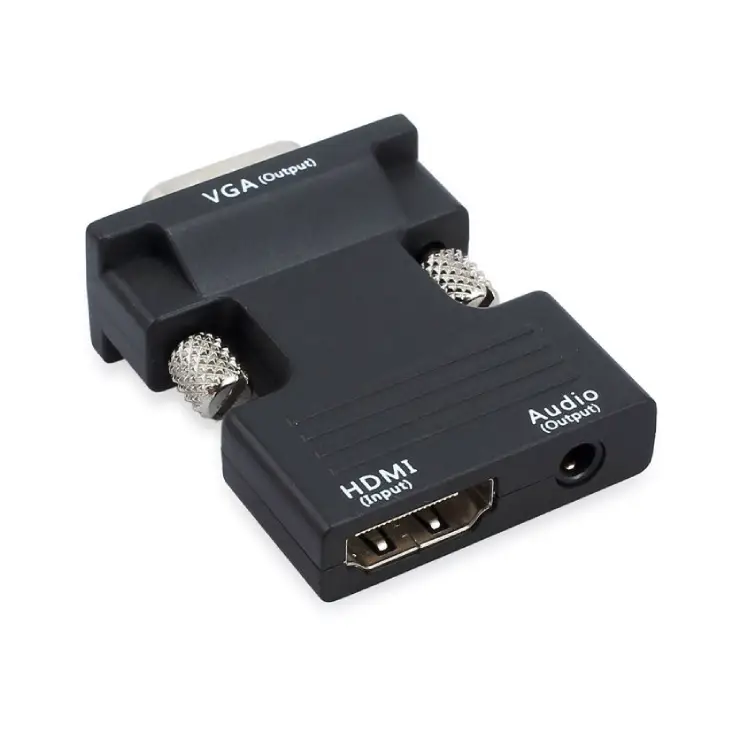
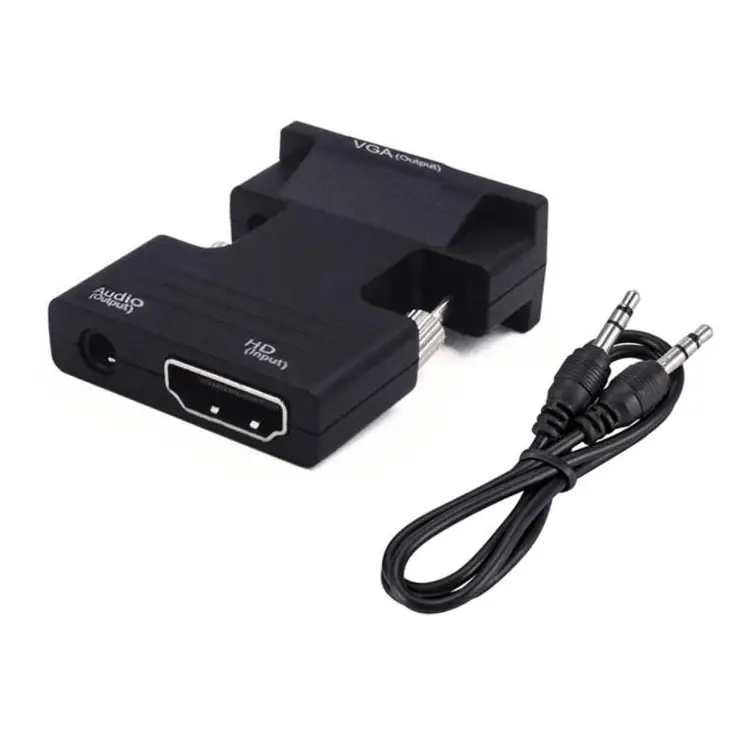
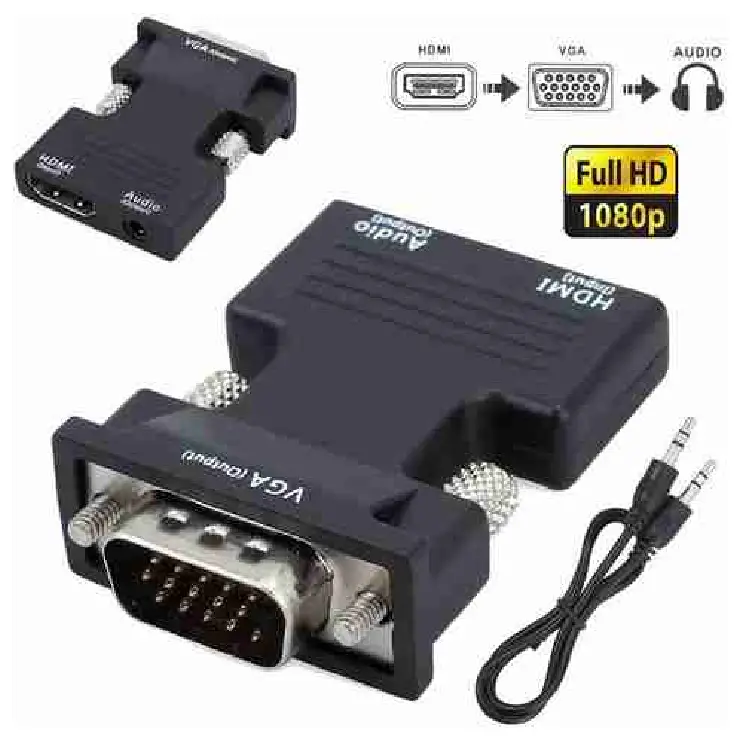
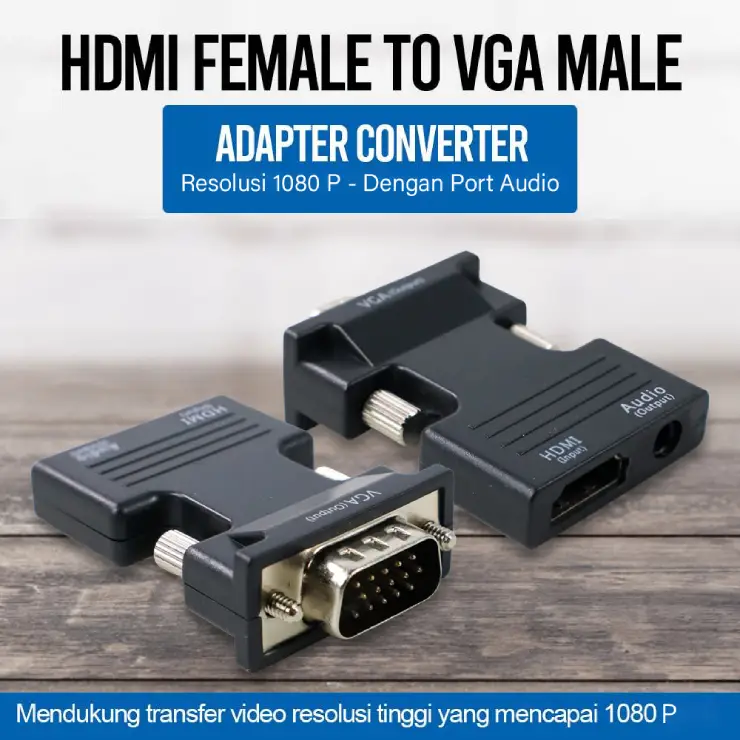
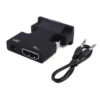
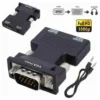
This HDMI to VGA converter connects modern HDMI devices to older VGA monitors, projectors, and displays. The compact adapter transforms digital HDMI signals into analog VGA output, supporting Full HD 1080p resolution for clear, sharp visuals.
Why an HDMI to VGA Converter Bridges the Gap Between New and Old Technology
New laptops, gaming consoles, and media players often have HDMI ports but lack VGA outputs . At the same time, many projectors, older monitors, and display screens only accept VGA connections . This HDMI male to VGA female converter solves that problem by converting digital signals into analog format. As a result, you can connect your modern laptop to a classroom projector, or your gaming console to an older monitor. Furthermore, the plug-and-play design requires no drivers, so you can start using it immediately .
Many UK professionals use this adapter for presentations in meeting rooms with older projectors. Similarly, gamers use it to connect newer consoles to VGA monitors. For those who have invested in high-quality VGA displays, this converter prevents the need for an expensive upgrade.
Plug-and-Play Operation with No Drivers Needed (HDMI male to VGA female converter)
This HDMI to VGA converter requires no software installation or complicated setup . Simply plug the HDMI male end into your source device, and connect a VGA cable (sold separately) from the adapter’s female VGA port to your display . The active conversion chip inside the adapter handles the digital-to-analog conversion automatically . For most devices, no external power is required, as the adapter draws power from the HDMI port itself .
Full HD 1080p Resolution Support
The adapter supports resolutions up to 1920×1080 (Full HD 1080p) . This includes common resolutions like 720p, 1600×1200, and 1024×768 . The conversion chip ensures stable signal transmission without screen flickering or skipping . For presentations and video playback, the image quality remains clear and sharp.
This HDMI to VGA Converter is supplied by Sellertree, a UK-based online seller of practical tech accessories.
Audio Options and Power Requirements (HDMI male to VGA female converter)
Some versions of this adapter include a 3.5mm audio jack for connecting external speakers . This is important because VGA carries video only and does not support sound . For devices that require additional power (such as some game consoles), a micro-USB port is available on some models . Most laptops and computers can power the adapter directly through the HDMI port .
✅ Converts HDMI digital signal to VGA analog output
✅ Supports resolutions up to Full HD 1080p (1920×1080)
✅ Plug-and-play – no drivers or software needed
✅ HDMI male to VGA female – connects modern devices to older displays
✅ Compatible with laptops, desktops, gaming consoles, and TV boxes
✅ Some models include 3.5mm audio output for sound
✅ Compact and lightweight design for portability
✅ No external power required for most devices
Specifications
| Feature | Detail |
|---|---|
| Input | HDMI male (19-pin Type A) |
| Output | VGA female (15-pin D-sub) |
| Max Resolution | 1920×1080 (1080p Full HD) |
| Compatibility | Laptops, PCs, gaming consoles, TV boxes |
| Power | HDMI-powered (no external power required for most devices) |
| Audio | VGA only – video only (some models include 3.5mm audio jack) |
| Cable Length | Approx 20cm |
| Colour | Black |
How to Use
-
Plug the HDMI male connector into your laptop, PC, or gaming console.
-
Connect a VGA cable (not included) from the adapter’s VGA female port to your monitor or projector.
-
The adapter will automatically convert the signal – no setup required.
-
For devices that need audio, connect speakers to the 3.5mm audio jack (if available on your model).
-
If the display does not show a picture, connect a micro-USB power cable (available on some models).
-
Adjust your computer’s display settings to mirror or extend the desktop.
-
When finished, unplug the adapter from the HDMI port.