








Description
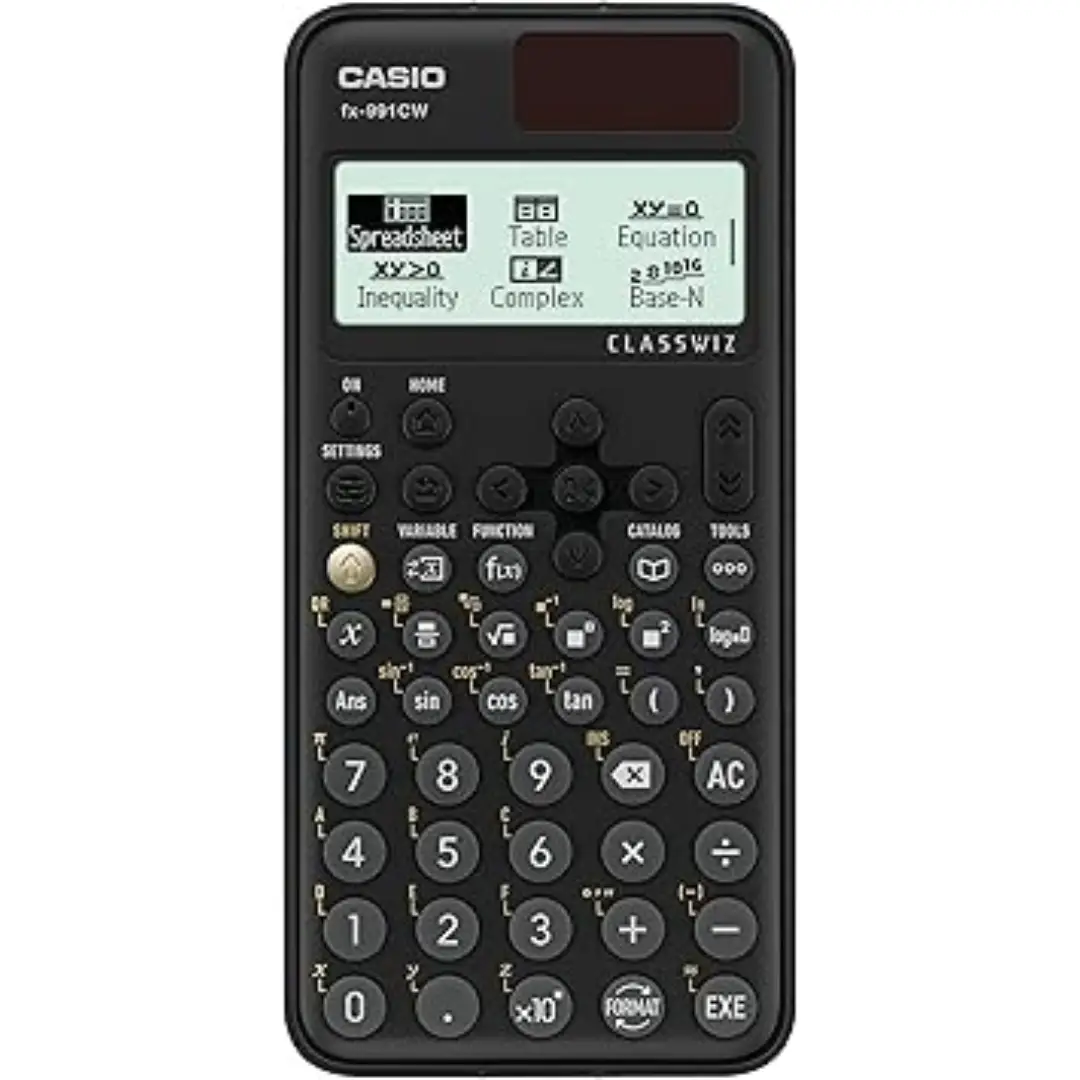
This Casio ClassWiz FX-991CW advanced scientific calculator features a high-resolution display and over 540 functions for mathematics, engineering, and science students. The dual power system combines solar energy with a backup battery, while JCQ approval makes it suitable for UK exams.
Why the Casio FX-991CW Supports Advanced Mathematics at A-Level and University
A-Level and university students need a calculator that can handle calculus, matrices, and complex numbers without requiring multiple devices. This Casio fx-991cw advanced scientific calculator includes dedicated modes for differentiation, integration, and equation solving. As a result, students can check their working on polynomial equations up to the fourth degree or simultaneous equations with up to four variables. Furthermore, the high-resolution 4-level grayscale display shows mathematical expressions exactly as they appear in textbooks, including fractions, square roots, and integrals written in standard notation rather than linear text.
Many UK students take this Casio fx-991cw into A-Level mathematics and further mathematics exams. Similarly, university students studying engineering, physics, or economics rely on its vector and matrix calculations for coursework. For trainee accountants or surveyors, the calculator handles statistical regression analysis and percentage calculations with dedicated function keys. Consequently, a single calculator serves a student from sixth form through to graduation and into professional work.
High-Resolution 4-Level Grayscale Display
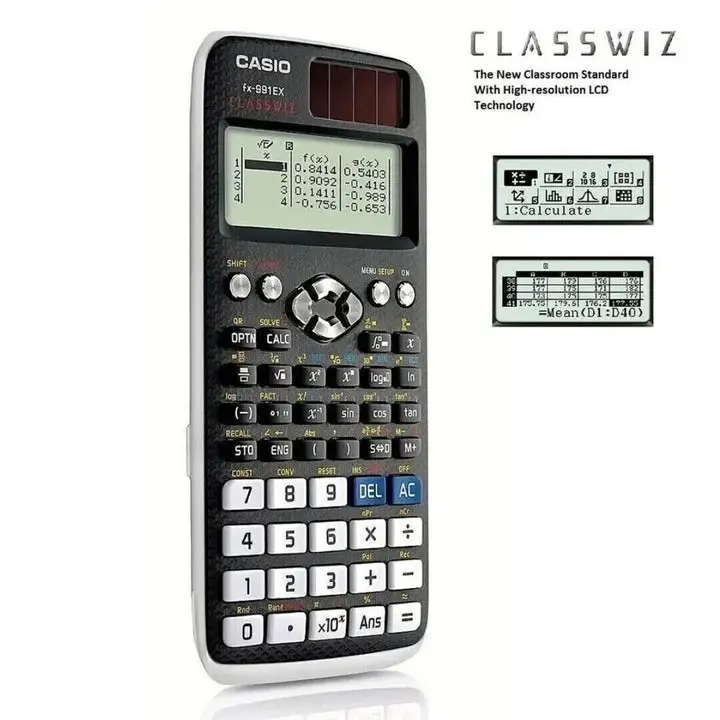
Traditional scientific calculators use simple dot matrix screens that display one line at a time. The Casio ClassWiz FX-991CW improves on this with a high-resolution 4-level grayscale LCD. The screen shows up to four lines of input and output simultaneously, which allows students to review previous calculations without scrolling. Additionally, the grayscale shading helps distinguish between different elements of a formula. For example, brackets appear in darker shading than numbers, and function names appear in lighter shading. This visual hierarchy reduces errors when copying complex expressions from a textbook or exam paper.
Menu-Based Interface for Easier Navigation
Older scientific calculators require users to remember multiple key combinations to access different functions. The Casio fx-991cw advanced scientific calculator replaces this system with a menu-based interface. Users press the menu key and then navigate through clear categories labelled Calculate, Complex, Matrix, Vector, Statistics, Spreadsheet, Table, Equation, Inequality, and Ratio. Each category contains logical sub-menus for specific operations. For students who use the calculator only a few times per week, the menu system reduces frustration and saves time compared to memorizing key combinations. First-time users can operate most functions within minutes of turning the device on.
QR Code Function for Visualizing Graphs
Some calculations are easier to understand when visualized as a graph. This Casio fx-991cw solves that problem by generating a QR code on the screen. When the user scans the code with a smartphone or tablet, the device opens a web page showing the calculation as a moving graph or interactive table. This feature is particularly useful for students studying calculus, where seeing a curve helps explain the relationship between a function and its derivative. The QR code method works without Bluetooth or Wi-Fi pairing, and it does not require installing any proprietary software. Most modern smartphones with a standard camera app can scan the code directly.
✅ Over 540 built-in functions including calculus, matrices, and vectors
✅ High-resolution 4-level grayscale LCD displays textbook-style notation
✅ JCQ approved for use in UK GCSE, A-Level, and university exams
✅ Dual power system with solar panel and LR44 backup battery
✅ QR code generation for visualizing graphs on a smartphone or tablet
✅ Menu-based interface with logical categories for each function type
✅ Solves polynomial equations up to 4th degree and simultaneous equations with 4 variables
✅ Includes spreadsheet mode for data analysis and table generation
Specifications
| Feature | Detail |
|---|---|
| Model | Casio ClassWiz FX-991CW |
| Display | High-resolution 4-level grayscale LCD |
| Number of functions | 540+ |
| Power source | Solar + LR44 battery (included) |
| Exam approval | JCQ compliant for UK exams |
| Key modes | Calculate, Complex, Matrix, Vector, Statistics, Spreadsheet, Equation, Inequality, Ratio |
| Calculus support | Differentiation, integration |
| Equation solving | Polynomial up to 4th degree, simultaneous up to 4 variables |
| QR code function | Yes (for visualizing graphs) |
| Colour | Black |
How to Use
-
Press the ON key to power on the calculator.
-
Press MENU to access the main function categories.
-
Navigate to the desired mode using the directional arrow keys.
-
Enter expressions using the natural display format as shown on screen.
-
Press EXE (execute) to perform the calculation.
-
Press the up and down arrows to scroll through previous calculations.
-
For graph visualization, press the QR key and scan the code with a smartphone.
-
Press MENU then RESET to return to default settings if the calculator behaves unexpectedly.