


Description
The Problem – Laptop Trackpads Are Slow and Uncomfortable
Using a trackpad for hours can be frustrating and even painful. For example, dragging and dropping files requires awkward finger movements. Similarly, precise editing in spreadsheets or photo software is much harder without a mouse. Furthermore, prolonged trackpad use can lead to wrist strain or repetitive stress discomfort. As a result, many people avoid using their laptop for detailed work when away from their desk. This slim wireless mouse solves that problem. Consequently, you get desktop-level precision wherever you take your laptop.
Ultra-Slim and Portable – Slips into Any Bag
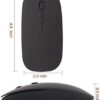
Traditional mice are bulky and awkward to carry. This mouse is different. Specifically, it has an ultra-flat, slim profile. Therefore, it slides easily into a laptop sleeve, backpack pocket, or handbag. For example, keep it in the front pocket of your laptop bag alongside your charger. Similarly, slip it into a coat pocket for a coffee shop work session. As a result, you always have a proper mouse without the bulk.
The lightweight design adds almost no weight to your carry. Consequently, you will not even notice it is there until you need it.
2.4GHz Wireless Connection – Reliable and Interference-Free
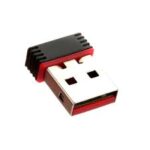
Bluetooth mice can suffer from interference or pairing issues. This mouse uses a 2.4GHz USB receiver. Specifically, the tiny nano receiver plugs into any USB-A port on your laptop or PC. Therefore, the connection is stable, responsive, and free from dropouts. For instance, no waiting for Bluetooth to pair. Similarly, no interference from other wireless devices. As a result, you get lag-free performance for work, study, or casual browsing.
The receiver stores inside the mouse when not in use. Consequently, you are less likely to lose it.
Plug and Play – No Drivers or Software Needed
Some mice require installing drivers or configuration software. This mouse is different. It is truly plug and play. Specifically, insert the USB receiver, and your computer recognises the mouse instantly. For example, it works immediately on Windows laptops, desktop PCs, Chromebooks, and Macs (basic functionality). Similarly, no IT support or admin rights are needed. As a result, you can use it on any computer without hassle.
Smooth, Precise Tracking – Works on Most Surfaces
A mouse is only as good as its tracking. This mouse features a high-precision optical sensor. Specifically, it works on most common surfaces such as desks, mouse pads, notebooks, and even some fabric surfaces. Therefore, you can work from a library desk, a train table, or a coffee shop counter. For instance, no need to carry a separate mouse mat. Similarly, the sensor provides smooth, responsive cursor movement for detailed tasks. As a result, you stay productive anywhere.
Silent or Quiet Clicks – Ideal for Shared Spaces
Loud clicking can disturb others. This mouse features quiet or silent click buttons. Specifically, the left and right buttons produce minimal noise. Therefore, you can use it in a library, open-plan office, or while a partner sleeps nearby. For example, take notes during a quiet lecture. Similarly, work on a train without annoying fellow passengers. As a result, you stay considerate while staying productive.
Long Battery Life – Weeks or Months Between Changes
Frequent battery changes are frustrating. This mouse is highly energy efficient. Specifically, it can last for several weeks or even months on a single AAA battery (depending on usage). The mouse goes into sleep mode when not in use and wakes instantly when moved. For instance, leave it in your bag for a week, and it still has power. Similarly, an LED indicator may flash when the battery is low. As a result, you are not constantly buying or changing batteries.
Comfortable for Small to Medium Hands
The slim design is not just for portability; it is also comfortable for many users. Specifically, the low-profile shape suits those with small to medium-sized hands. For example, students, commuters, and office workers find it natural to hold. Similarly, the symmetrical design works for both left-handed and right-handed users. As a result, it is a versatile choice for shared workspaces or family laptops.
Real Use Cases for UK Users
Consider a university student who spends long hours in the library. The laptop trackpad slows them down when formatting essays or creating presentations. This slim wireless mouse slips into their pencil case. When they sit down to work, they plug in the receiver and enjoy precise, efficient control. Accordingly, their essay gets finished faster. As a result, they have more time for other activities.
Similarly, a hybrid worker commutes to the office two days a week. They carry their laptop in a backpack. The office provides a monitor but not a mouse. This portable mouse lives permanently in their bag. For instance, they use it at the office desk and then at a coffee shop on the way home. Consequently, they never suffer trackpad frustration.
Furthermore, a digital nomad or frequent traveller works from hotels, airports, and cafés. Space and weight are at a premium. This ultra-slim mouse takes up almost no room. Yet it provides full mouse functionality anywhere. As a result, they stay productive without carrying bulky peripherals.
Likewise, a parent uses a shared family laptop. The trackpad is worn and unreliable. This wireless mouse plugs in and works for everyone. It stores in a drawer when not in use. Consequently, the family laptop becomes much easier to use.
What About Mac Users?
This mouse works with MacBooks and iMacs, but with a caveat. Specifically, basic functions (left click, right click, scroll wheel) work perfectly. However, gesture controls (swipe between desktops, Mission Control) that Mac users expect from an Apple mouse may not work. For example, if you only need standard point-and-click, this mouse is fine. If you rely on gestures, consider a Mac-specific mouse. As a result, check your needs before purchasing.
What About Gaming?
This mouse is designed for productivity and general use, not high-performance gaming. For example, office work, web browsing, photo editing, and spreadsheet work are ideal. However, competitive gaming requires higher polling rates and adjustable DPI. Therefore, consider a dedicated gaming mouse if you play fast-paced shooters. As a result, manage your expectations accordingly.
No Bluetooth Required – Great for Older Laptops
Some older laptops have unreliable or outdated Bluetooth. This mouse bypasses Bluetooth entirely. Specifically, the 2.4GHz receiver works with almost any computer with a USB-A port. For example, a 10-year-old PC or a school Chromebook works perfectly. Similarly, computers with Bluetooth disabled by IT policies still work. As a result, it is a universally compatible solution.
Colour Options – Classic Black
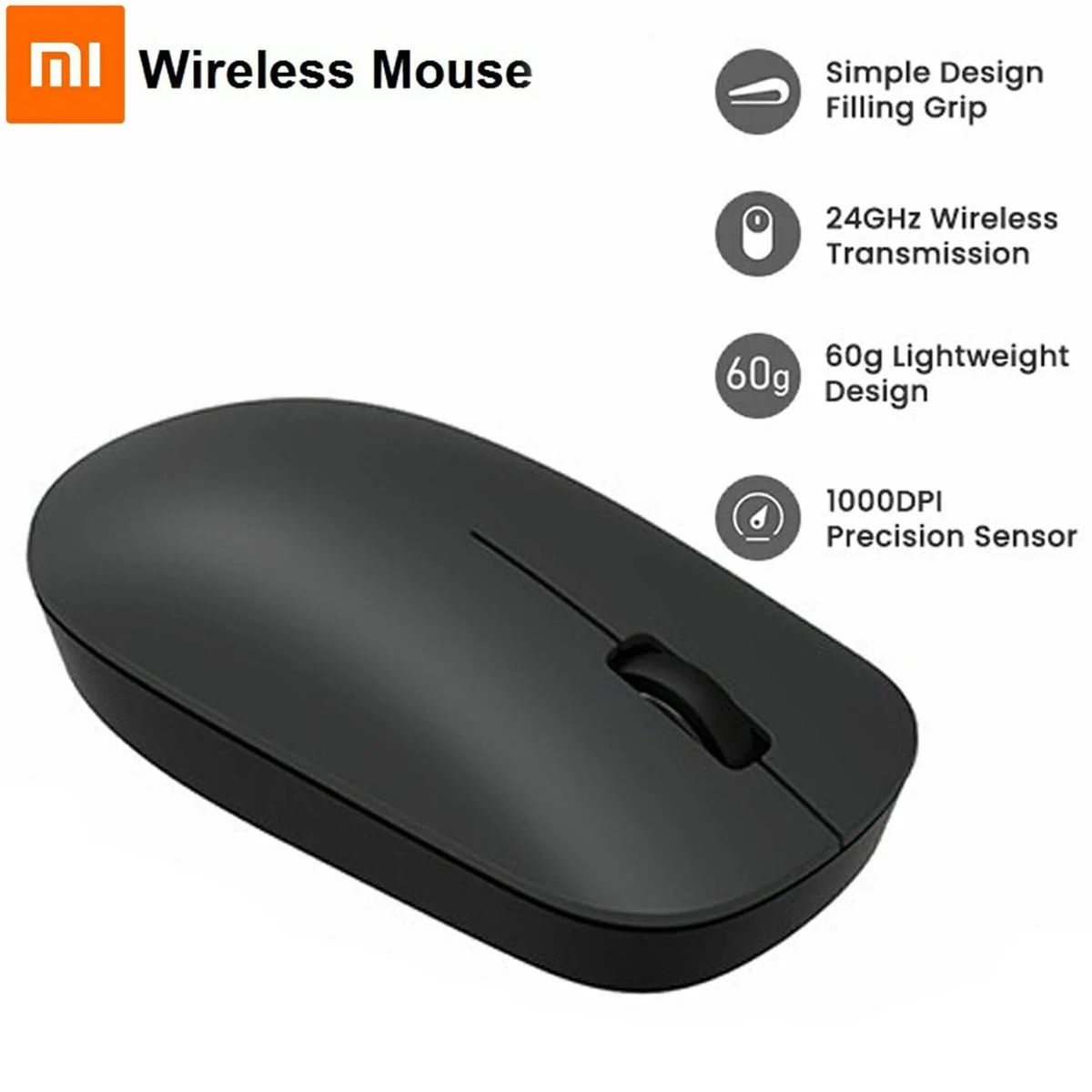
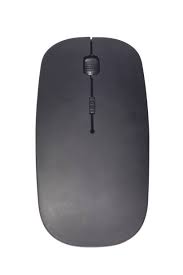
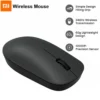
This mouse is black, which is a practical choice. Specifically, black does not show dirt or wear as quickly as lighter colours. Therefore, it looks professional in any setting. For instance, use it in a corporate office without standing out. Similarly, it matches most laptops and accessories. As a result, it is a timeless, versatile choice.
This generic black slim portable wireless mouse is supplied by Sellertree, a UK-based online seller of practical computer and office essentials.
BULLET POINTS
✅ Ultra-slim and portable – slides easily into laptop bags, backpacks, or even pockets
✅ 2.4GHz wireless connection – reliable, lag-free performance with nano USB receiver
✅ Plug and play – no drivers or software needed, works instantly on most computers
✅ Quiet or silent clicks – ideal for libraries, offices, and other shared spaces
✅ Long battery life – weeks or months on a single AAA battery (not included)
✅ Precise optical tracking – works on desks, mouse pads, notebooks, and most surfaces
✅ Comfortable design – suits small to medium hands, symmetrical for left or right use
✅ Receiver storage – USB dongle stores inside the mouse to prevent loss
SPECIFICATIONS TABLE ABOUT Slim Wireless Mouse
| Feature | Detail |
|---|---|
| Product type | Wireless optical mouse |
| Connectivity | 2.4GHz wireless via USB nano receiver |
| Receiver type | USB-A (stores inside mouse) |
| Wireless range | Up to 10 metres |
| Sensor type | Optical |
| Buttons | Left, right, scroll wheel (clickable), DPI (on some models) |
| Click noise | Quiet / silent design |
| Power source | 1 x AAA battery (not included) |
| Battery life | Several weeks to months (depending on usage) |
| Compatibility | Windows, Mac (basic functions), Chromebook, Linux |
| Colour | Black,green and blue |
| Dimensions | Slim / low-profile design |
| DPI | Typically 800/1200/1600 (adjustable on some models) |
HOW TO USE THIS Slim Wireless Mouse
-
Open the battery compartment and insert one AAA battery (not included).
-
Remove the USB nano receiver from the storage slot inside the mouse.
-
Plug the USB receiver into a free USB-A port on your laptop or computer.
-
Turn on the mouse using the power switch (usually on the bottom).
-
Your computer will recognise the mouse automatically within a few seconds.
-
For adjustable DPI models, press the DPI button to cycle through sensitivity levels.
-
When finished, turn off the mouse to save battery and store the receiver inside.


Reviews
There are no reviews yet.