



Description
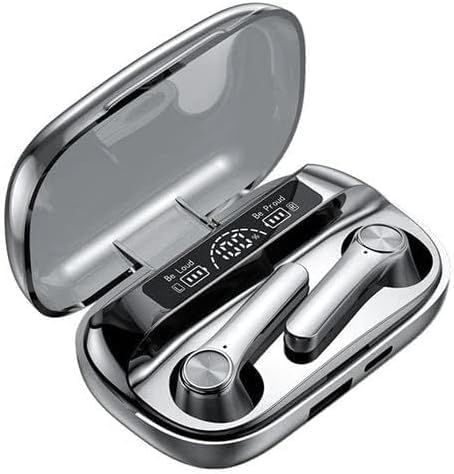
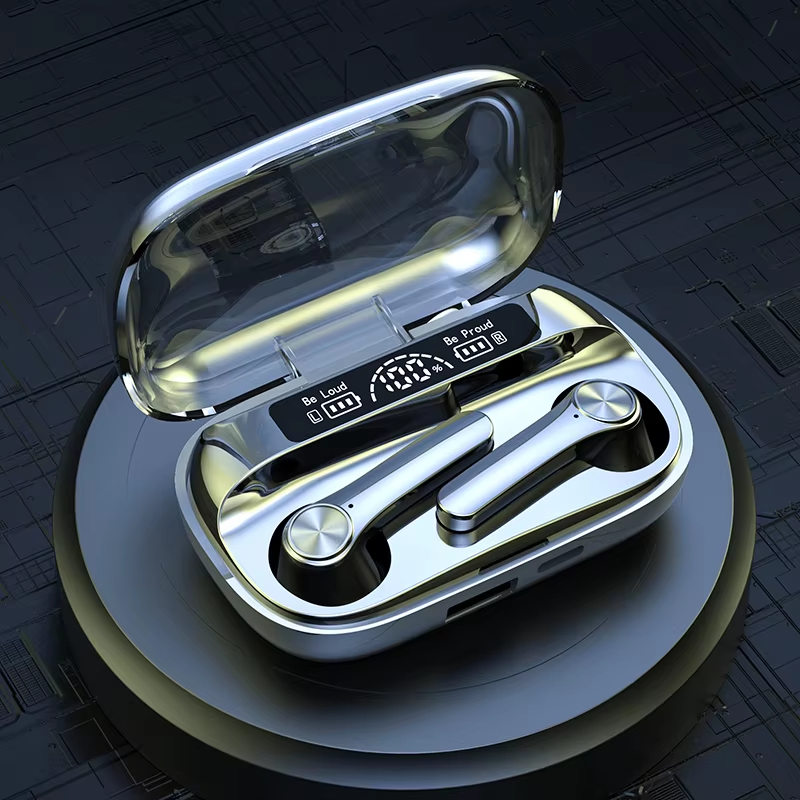
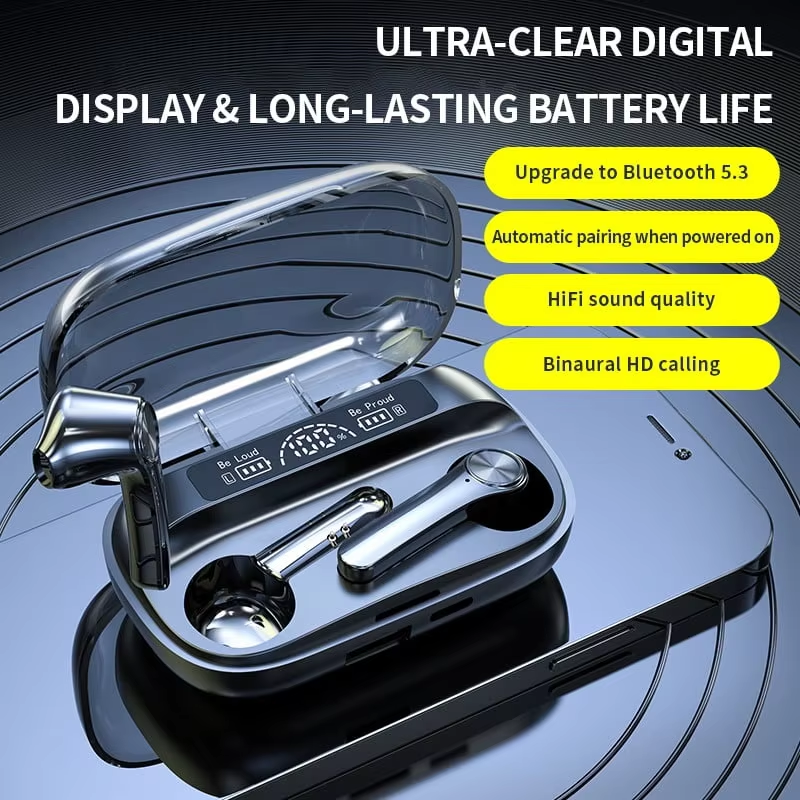
BQ20 Wireless Earbuds are True Wireless Stereo (TWS) Bluetooth headphones with Hi-Fi audio quality, deep bass, and built-in microphone. Features touch controls, IPX4 sweat resistance, and a compact charging case with USB-C port. Perfect for music, calls, sports, and daily use. Compatible with all Bluetooth-enabled smartphones, tablets, and laptops.
BQ20 Wireless Earbuds Bluetooth Headphones
Do you still rely on cheap, tinny earphones that hurt your ears after 20 minutes? Tired of tangled wires and poor sound quality? Want earbuds that stay in place during workouts and last all day?
The BQ20 Wireless Earbuds are designed for listeners who want freedom from cables without compromising on sound quality. These True Wireless Stereo (TWS) earbuds deliver rich Hi-Fi audio with punchy bass, clear mids, and crisp highs – perfect for music, podcasts, movies, and calls.
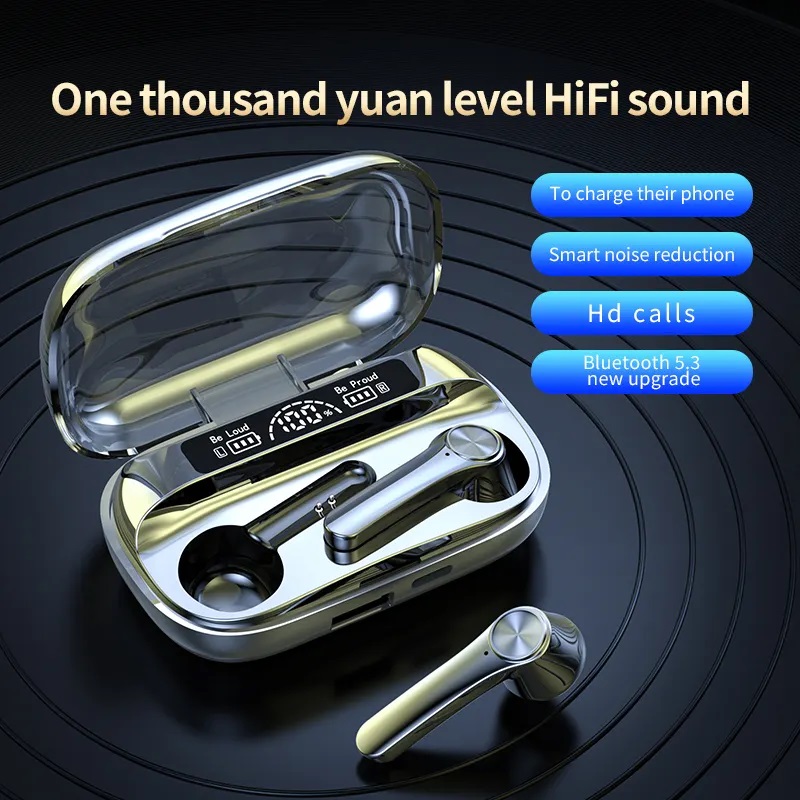
With Bluetooth 5.3 technology, you get a stable, instant connection with no dropouts. The touch controls let you manage music, answer calls, and activate voice assistant with a simple tap. The compact charging case provides multiple charges on the go, and the USB-C port means fast, convenient recharging.
Whether you are at the gym, commuting to work, studying at home, or taking conference calls, the BQ20 Wireless Earbuds offer reliable performance and all-day comfort.
At Sellertree, we offer high-quality products directly from our UK warehouse, ensuring fast delivery and exceptional customer service.
-
Hi-Fi Audio Quality – Custom-tuned dynamic drivers deliver deep, punchy bass, clear mids, and crisp highs. Perfect for music, calls, podcasts, and movies.
-
Bluetooth 5.3 Technology – Stable, instant pairing with minimal latency. Works up to 10 metres (33 feet) range. Compatible with all Bluetooth-enabled devices.
-
Built-in Microphone – Hands-free calling with clear voice pickup. Ideal for phone calls, Zoom meetings, and voice assistants (Siri/Google Assistant).
-
Touch Controls – Easy tap control for music, calls, and volume. No need to take out your phone.
-
Charging Case Included – Compact portable case charges your earbuds on the go. Provides multiple additional charges.
-
USB-C Charging – Fast and convenient charging with modern USB-C port. Cable included.
-
IPX4 Water Resistant – Sweat and splash resistant. Perfect for gym, running, and light rain. (Note: Not fully waterproof, do not submerge)
-
Ergonomic Comfort Fit – Lightweight, angled design sits securely in your ears. Includes multiple silicone eartip sizes for custom fit.
-
Long Battery Life – Hours of playback on a single charge. (Exact hours depend on volume level)
-
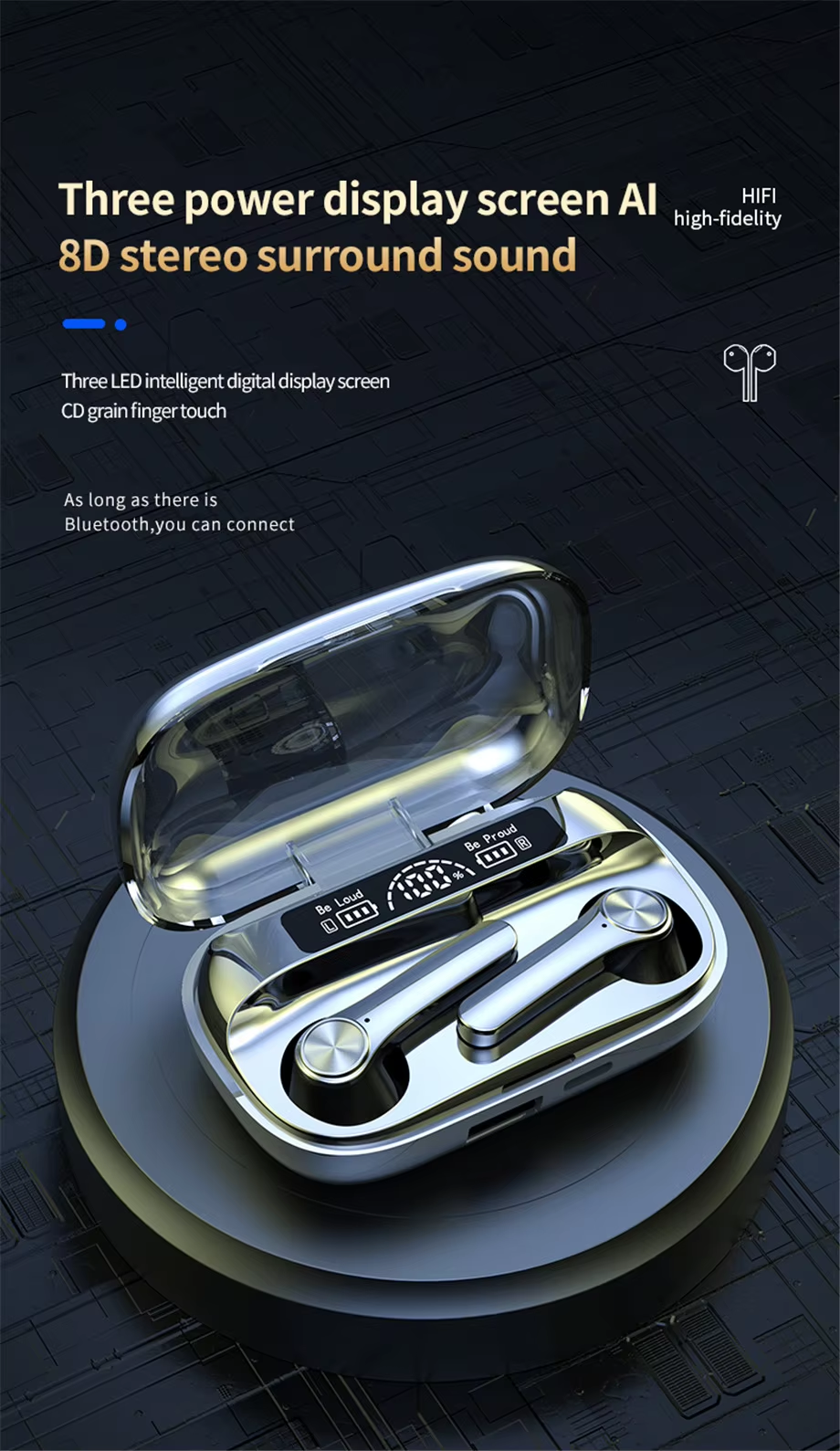
LED Battery Indicator – Shows charging status on earbuds and case.
-
Auto Pairing – After initial pairing, earbuds connect automatically when removed from case.
-
UK Seller – Dispatched from our UK warehouse for fast delivery. No long international waits.
Specifications
| Specification | Details |
|---|---|
| Product Name | BQ20 Wireless Earbuds |
| Type | True Wireless Stereo (TWS) / In-Ear |
| Bluetooth Version | 5.3 |
| Audio Codec | SBC / AAC |
| Driver Size | 10mm Dynamic Driver |
| Frequency Response | 20Hz – 20,000Hz |
| Impedance | 32Ω |
| Sensitivity | 96dB ± 3dB |
| Microphone | Yes (Built-in, MEMS) |
| Controls | Touch control (single, double, long press) |
| Water Resistance | IPX4 (sweat and splash resistant) |
| Charging Case Battery | 300mAh – 400mAh (approx.) |
| Earbuds Battery | 30mAh – 40mAh each (approx.) |
| Playback Time | 4 – 6 hours per charge (varies by volume) |
| Total Battery (with case) | 20 – 24 hours (approx.) |
| Charging Time | 1 – 1.5 hours for earbuds |
| Charging Port | USB-C |
| Compatibility | All Bluetooth-enabled devices (Android, iPhone, iPad, Windows, Mac, Smart TV, etc.) |
| Eartips Included | 3 sizes (Small, Medium, Large) – Silicone |
| Pairing Name | BQ20 (or similar) |
| Wireless Range | Up to 10 metres (33 feet) – no obstacles |
| Colour | Black |
| Weight (earbuds each) | Approx. 4g – 5g |
| Weight (case) | Approx. 30g – 40g |
How to Use BQ20 Wireless Earbuds Bluetooth Headphones
Step 1: Charge the Earbuds and Case
-
Remove any protective plastic film from the earbuds and case charging pins.
-
Place both earbuds into the charging case.
-
Connect the USB-C cable to the case and a USB power source (phone charger, laptop, power bank).
-
The LED indicator on the case will light up (red/white/green depending on charge level).
-
Charge fully before first use (approximately 1 – 1.5 hours).
Step 2: Choose the Correct Eartip Size
-
Select the silicone eartip size (Small, Medium, or Large) that fits your ear canal best.
-
A proper seal improves bass response, noise isolation, and comfort.
-
To attach: Gently press the eartip onto the earbud nozzle until secure.
Step 3: Pair with Your Device (First Time Only)
-
Remove both earbuds from the charging case. They will power on automatically.
-
The earbuds will enter pairing mode (LED flashes red/white or white).
-
On your phone/tablet/laptop, go to Settings > Bluetooth.
-
Search for “BQ20” or “BQ20 Wireless Earbuds” in the available devices list.
-
Tap to connect.
-
You will hear a voice prompt or tone confirming connection.
Step 4: Auto Pairing for Future Use
-
After initial pairing, simply remove the earbuds from the case and they will automatically connect to your last paired device.
-
Place them back in the case to power off and disconnect.
Step 5: Touch Controls
| Action | How to Do It | Function |
|---|---|---|
| Play / Pause | Single tap (Left or Right) | Play or pause music |
| Next Track | Double tap (Right) | Skip to next song |
| Previous Track | Double tap (Left) | Go to previous song |
| Answer Call | Single tap (Left or Right) | Answer incoming call |
| End Call | Single tap (Left or Right) | End current call |
| Reject Call | Press and hold 1.5 – 2 seconds | Reject incoming call |
| Activate Voice Assistant | Triple tap (Left or Right) | Wake Siri / Google Assistant |
| Volume Up | Press and hold (Right) – if supported | Increase volume |
| Volume Down | Press and hold (Left) – if supported | Decrease volume |
Note: Volume control depends on the specific BQ20 model version. If touch hold does not work, adjust volume from your phone.
Step 7: Mono Mode (Single Earbud Use)
-
You can use either the Left or Right earbud alone.
-
Simply remove one earbud from the case and pair it with your device.
-
Great for calls, driving, or saving battery.
Step 8: Resetting / Re-pairing (If Connection Issues)
-
Delete “BQ20” from your device’s Bluetooth settings.
-
Place both earbuds in the charging case.
-
Press and hold both touch panels on the earbuds for 10 – 15 seconds until LEDs flash.
-
Remove from case and pair again.
Step 9: Storage & Care
-
Always store earbuds in the charging case when not in use to protect them and maintain battery.
-
Keep away from water, extreme heat, and direct sunlight.
-
Clean eartips regularly with a damp cloth. Dry completely before reattaching.
-
Clean charging pins gently with a dry cotton swab if connection issues occur.
-
Do not use while driving or operating machinery.
-
Keep volume at safe levels to protect your hearing.
Step 10: Charging Tips
-
Use any standard 5V USB charger (1A – 2A is fine).
-
The case LED shows charging status (red = charging, green/white = fully charged or low battery depending on model).
-
Do not leave charging overnight regularly to extend battery lifespan.