Description
The Problem – Modern Phones Force You to Choose Between Charging and Audio
Smartphone manufacturers have removed the 3.5mm headphone jack from most modern devices. For example, Samsung Galaxy models from S21 onwards rely solely on USB-C for both charging and audio, making a USB-C audio adapter essential for wired headphone users. Similarly, Google Pixel, Huawei, Xiaomi, and OnePlus phones have followed the same trend. Furthermore, the single USB-C port means you cannot charge your phone while using wired headphones. As a result, listening to music on long journeys drains your battery, leaving you with a difficult choice.
This 2-in-1 USB C adapter solves that problem. Consequently, you can charge and listen at the same time without compromise.
2-in-1 Split Design – Charge and Listen Simultaneously (USB-C audio adapter)
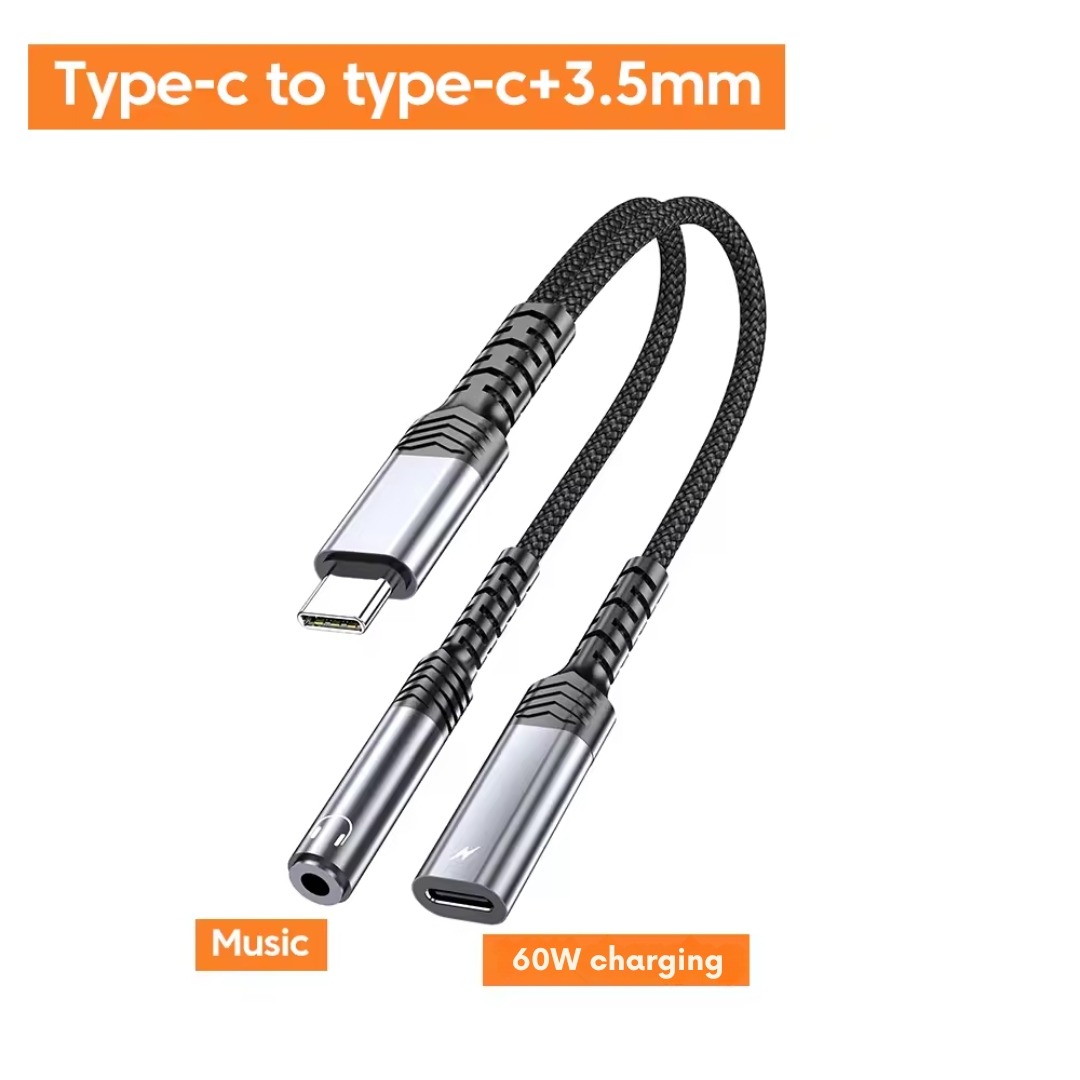
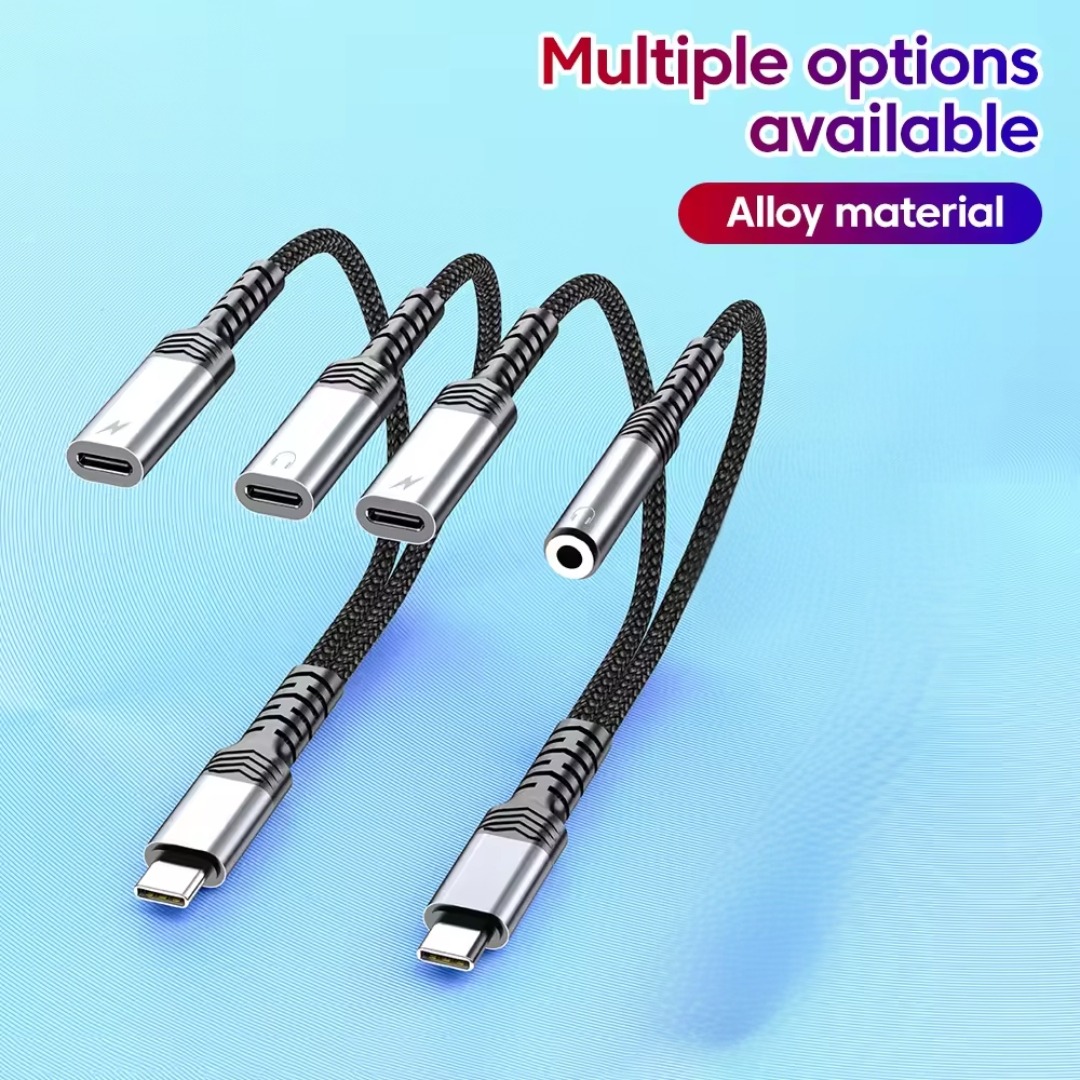
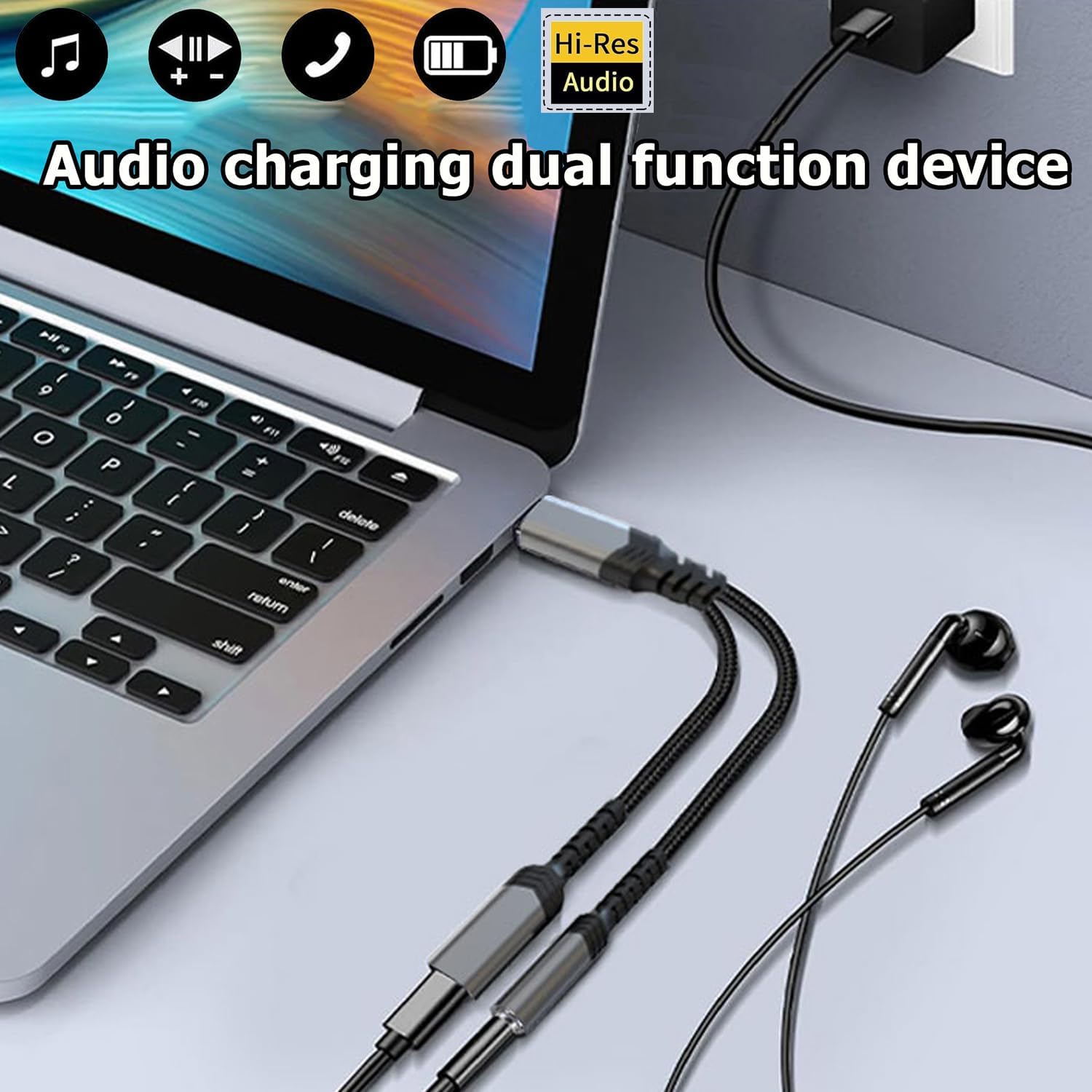
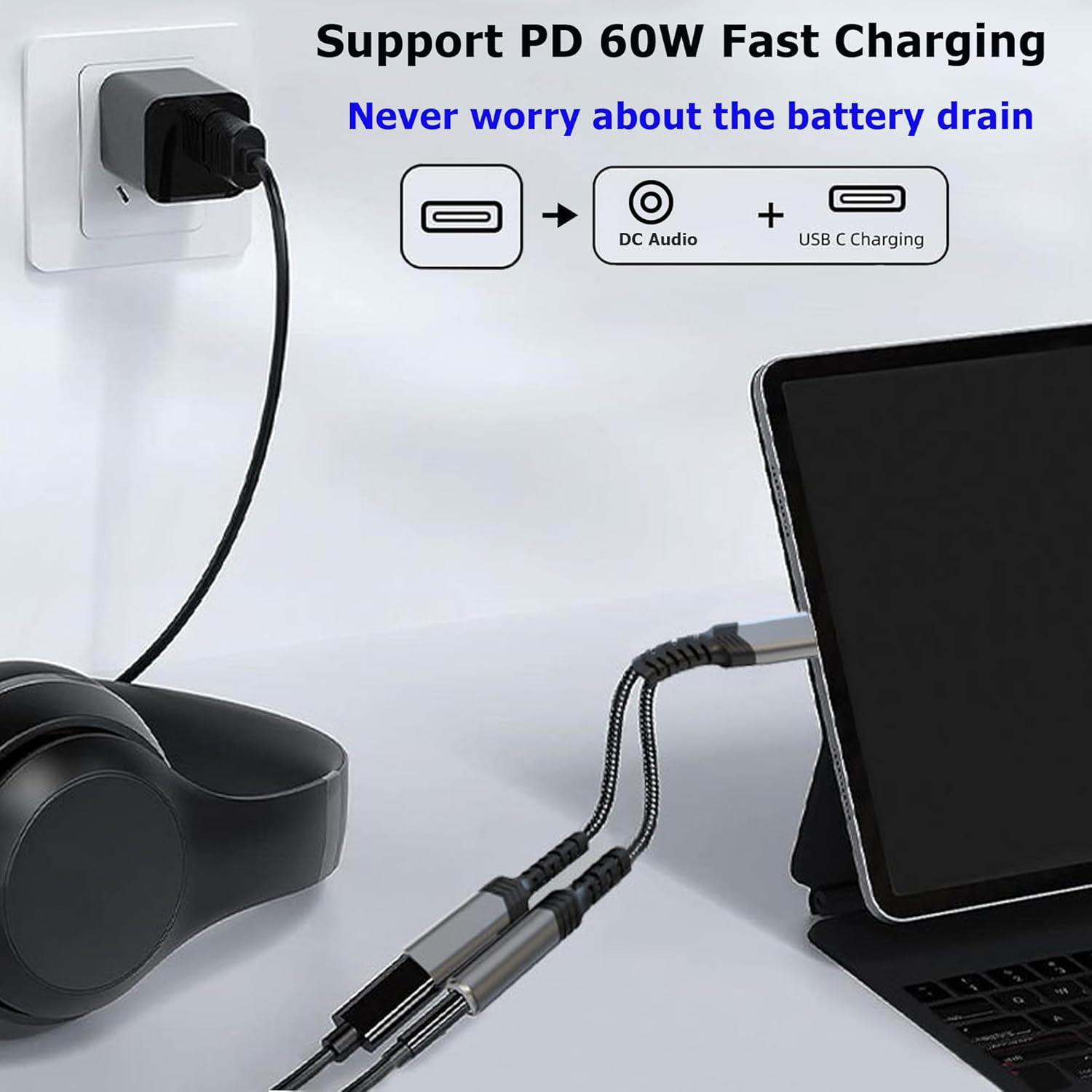
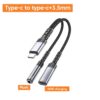
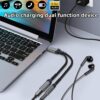
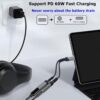
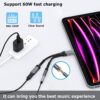
This adapter features a clever split design. Specifically, one end plugs directly into your phone’s USB-C port. The other end branches into two connections: a USB-C female port for charging and a 3.5mm female jack for headphones. Therefore, you can connect your charger and your wired headphones at the same time. For instance, plug in your phone to charge while watching a movie with wired earphones. Similarly, take a long conference call with headphones while keeping your phone powered. As a result, you never have to choose between battery life and audio quality.
The split design is compact and lightweight. Consequently, it does not add significant bulk to your daily carry.
Built-in DAC Chip – High Quality Audio Performance
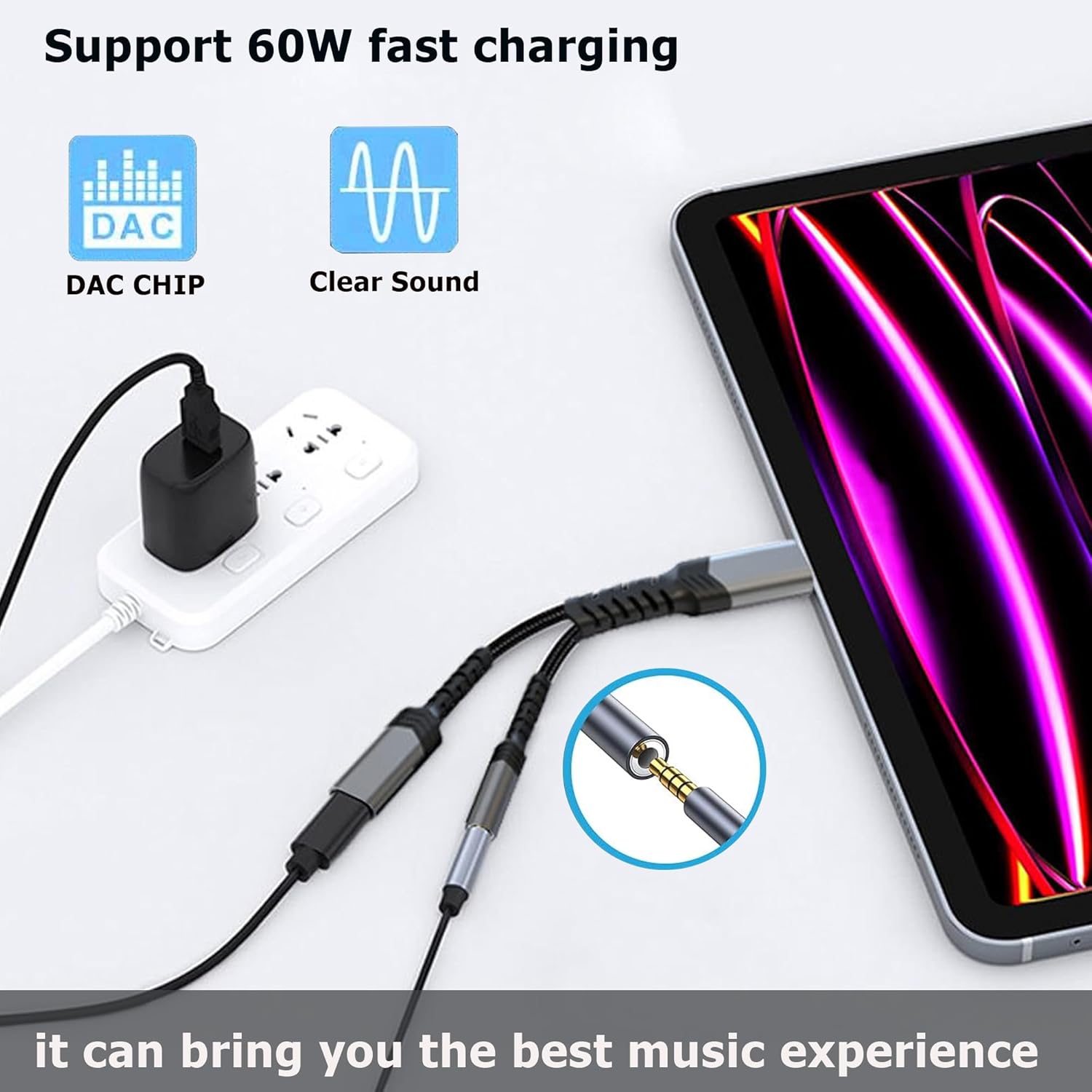
Not all USB C audio adapters deliver good sound. This adapter contains a built-in DAC (Digital to Analogue Converter) chip. Specifically, the DAC converts digital audio from your phone into high-quality analogue sound for your headphones. Therefore, you hear clear, detailed audio without static, crackling, or interference. For instance, music sounds rich and balanced across all frequencies. Phone calls are crisp and natural. As a result, you do not sacrifice audio quality for the convenience of simultaneous charging.
The DAC chip supports high-resolution audio formats. Consequently, it is suitable for music streaming services like Tidal, Apple Music Lossless, and Amazon Music HD.
Supports Fast Charging – Up to 60W PD (USB-C audio adapter)
Some split adapters limit charging speed significantly. This adapter is different. Specifically, it supports Power Delivery (PD) fast charging up to 60W. Therefore, your phone charges at its maximum rated speed even while you listen to music. For instance, charge a Samsung Galaxy S23 or Google Pixel 8 at full speed. Similarly, charge a tablet or even some ultraportable laptops. As a result, you do not have to choose between slow charging and using your favourite wired headphones.
The USB-C pass-through also supports data transfer. Consequently, you can sync files to your computer while charging and listening simultaneously.
Wide Compatibility – Works with Most USB C Devices
This adapter works with a vast range of devices. Specifically, it is compatible with:
-
Smartphones – Samsung Galaxy S21, S22, S23, S24, Note 10/20, Google Pixel 4-8, Huawei P and Mate series, Xiaomi, OnePlus, Sony Xperia
-
Tablets – iPad Pro (USB-C models), iPad Air (USB-C), Samsung Galaxy Tab series, Lenovo Tab
-
Laptops – MacBook Pro, MacBook Air, Dell XPS, HP Spectre, Lenovo Yoga, Microsoft Surface
-
Nintendo Switch – charge and use headphones while gaming in handheld mode
For example, use it with your Samsung phone for long calls. Use it with your iPad Pro for watching movies on a flight. Use it with your Nintendo Switch for gaming with headphones while charging. As a result, one adapter serves multiple devices across your household.
Plug and Play – No Drivers or Apps Required (USB-C audio adapter)
Some adapters require software installation or complex setup. This adapter is truly plug and play. Specifically, no drivers, no apps, and no settings to adjust. Therefore, you simply plug it in and it works instantly. For instance, insert the USB-C end into your phone. Then plug your charger into the USB-C port and your headphones into the 3.5mm jack. As a result, setup takes seconds, and you are ready to go.
The adapter is immediately recognised by your device. Consequently, you can start using it right out of the box.
Real Use Cases for UK Users (USB-C audio adapter)
Consider a commuter who travels by train for an hour each way to London. They want to watch downloaded Netflix shows using wired headphones to preserve phone battery. However, the journey is long, and their phone battery is already low from the workday. This adapter solves the problem perfectly. They plug the adapter into their phone. They connect their wired headphones and a power bank simultaneously. As a result, they watch their show with excellent audio while the phone charges. By the time they arrive home, the battery is full.
Similarly, a student spends long hours in the university library studying. They listen to focus music or white noise through wired noise-cancelling headphones. Their phone battery drains quickly. The library has USB charging ports at each desk. This adapter allows them to plug in both headphones and the charger. Consequently, they study for hours without interruption and leave with a fully charged phone.
Furthermore, a gamer plays Nintendo Switch in handheld mode on a long-haul flight. The battery drains quickly during intense gaming sessions. They want to use their wired gaming headset for better audio quality and microphone. This adapter plugs into the Switch’s USB-C port. It provides a charging connection and a headphone jack simultaneously. As a result, they play for the entire flight without running out of power or disturbing neighbouring passengers with speakers.
No Bluetooth Pairing – Simple and Reliable Every Time
Bluetooth headphones require pairing, charging, and often suffer from connection drops. This wired adapter requires none of that. Specifically, just plug it in and it works immediately. There is no pairing process, no forgotten passwords, and no flat battery to worry about. For example, use it instantly with any wired headphones you already own, regardless of brand. Similarly, no delays while your phone searches for a device or reconnects. As a result, it is simply more reliable and faster than Bluetooth for many situations.
Wired audio also has zero latency. Consequently, it is perfect for gaming and watching videos where lip-sync and sound effects timing matter.
Compact and Portable – Fits in Any Pocket (USB-C audio adapter)
This adapter is small and lightweight. Specifically, the cable is typically 10-15cm long. Therefore, it fits easily in a pocket, purse, or laptop bag. For instance, carry it with your phone every day without noticing the extra bulk. Similarly, it takes up almost no space in a travel kit or desk drawer. As a result, you can always have it with you when you need it.
The short cable length also prevents tangling. Consequently, it is easy to store and quick to deploy.
Durable Construction – Built for Daily Use
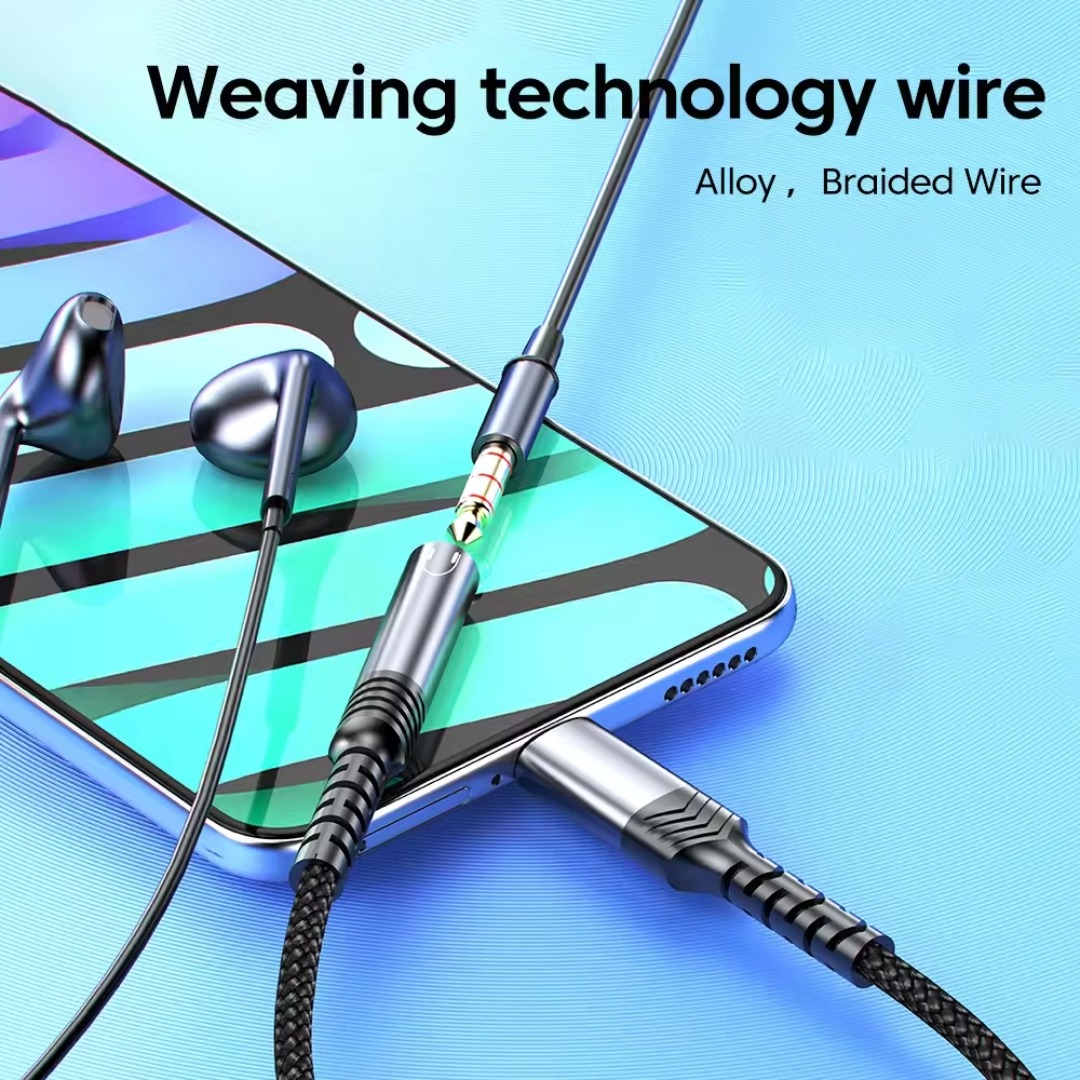
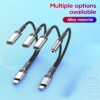
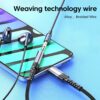
Cheap adapters break at the connector points. This adapter is built differently. Specifically, it features reinforced joints and strain relief where the cable meets the connectors. Therefore, it withstands daily use and being tossed into bags. For instance, the USB-C plug is housed in durable aluminium or tough ABS plastic. The 3.5mm jack is reinforced. The cable is flexible but strong. As a result, this adapter lasts longer than cheaper alternatives.
The connectors are gold-plated. Consequently, they resist corrosion and maintain a clean signal over time.
Perfect for Cars with AUX Inputs
Many older cars have AUX inputs but no Bluetooth. This adapter allows you to charge your phone and play music through the car’s speakers simultaneously. For example, plug the adapter into your phone. Connect a 3.5mm aux cable from the adapter to your car. Plug your car charger into the USB-C port. As a result, your phone stays charged while you navigate and stream music.
This USB type C to 3.5mm headphone jack adapter cable 2 in 1 is supplied by Sellertree, a UK-based online seller of practical mobile and audio essentials.
BULLET POINTS
✅ 2-in-1 split design – charge your phone and listen to headphones at the same time
✅ Built-in DAC chip – high quality audio, no static or interference
✅ Supports 60W PD fast charging – your phone charges at full speed
✅ Plug and play – no drivers, no apps, no pairing required
✅ Wide compatibility – Samsung, Google Pixel, Huawei, iPad Pro, Nintendo Switch
✅ Zero latency – perfect for gaming and video where audio sync matters
✅ Compact and portable – short cable, fits in any pocket or bag
✅ Durable construction – reinforced connectors with strain relief
SPECIFICATIONS TABLE
| Feature | Detail |
|---|---|
| Connector 1 | USB Type-C (male) – plugs into phone |
| Connector 2 | USB Type-C (female) – for charging |
| Connector 3 | 3.5mm audio jack (female) – for headphones |
| DAC chip | Built-in high quality |
| Max charging power | 60W PD (Power Delivery) |
| Audio support | Stereo with microphone support (headset dependent) |
| Compatibility | USB C smartphones, tablets, laptops, Nintendo Switch |
| Cable length | Approx. 10-15cm |
| Plug and play | Yes – no drivers required |
HOW TO USE (USB-C audio adapter)
-
Insert the USB-C male end of the adapter into your phone or tablet.
-
Plug your charger’s USB-C cable into the USB-C female port on the adapter.
-
Plug your 3.5mm wired headphones or earphones into the audio jack.
-
Your phone will charge and play audio through the headphones simultaneously.
-
For best audio quality, ensure your headphones are fully inserted.
-
To disconnect, remove the adapter from your phone.
-
Store the adapter in a bag or pocket when not in use.