
Description
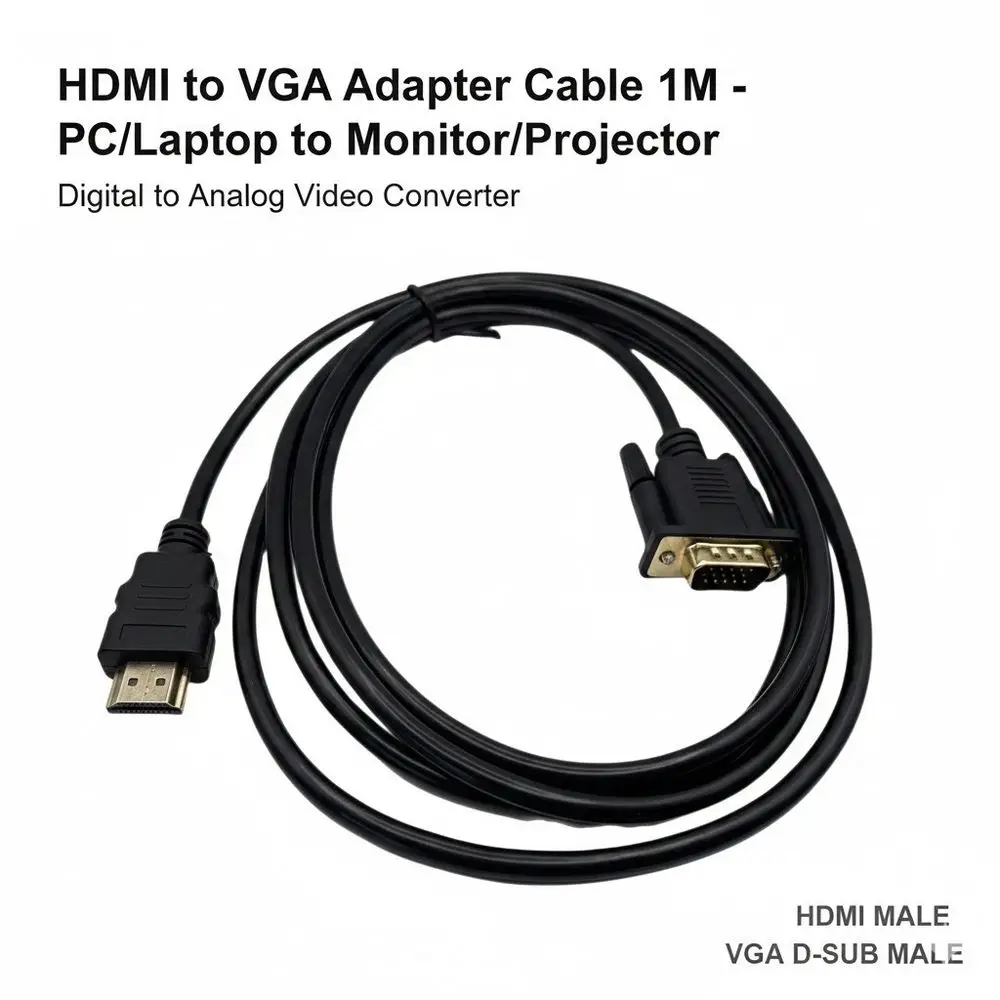
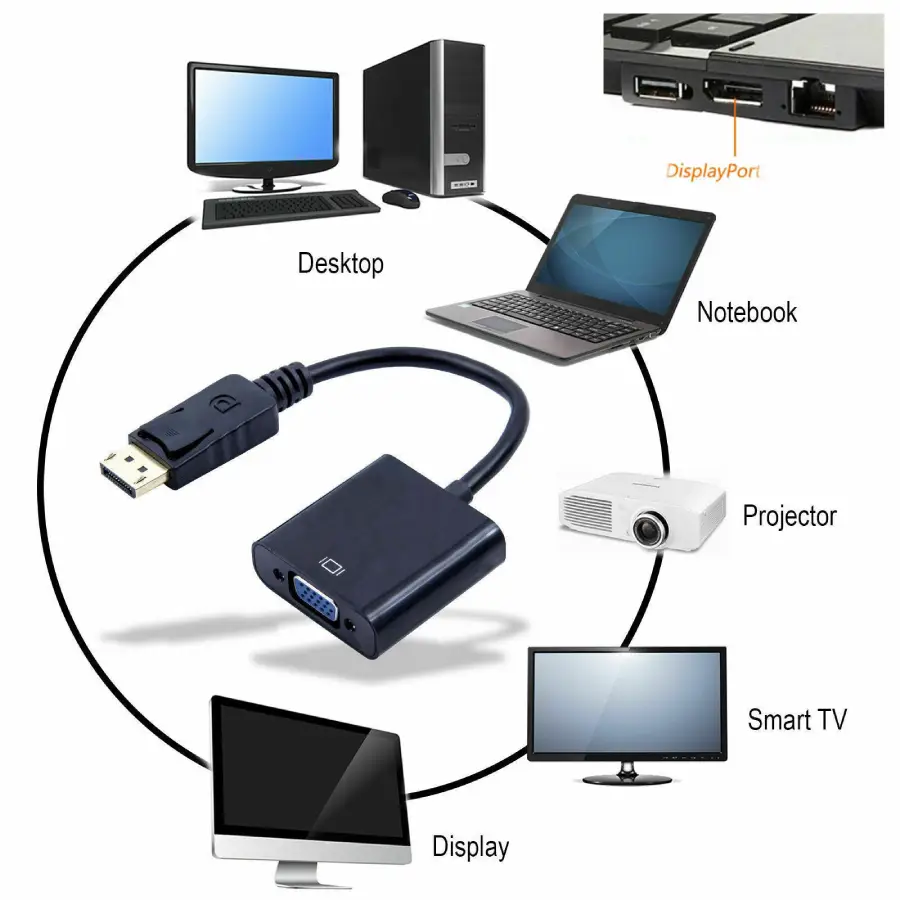
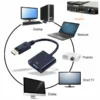
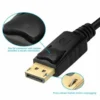
This HDMI to VGA adapter cable connects modern laptops, PCs, and games consoles to older monitors and projectors. The active conversion chip transforms digital HDMI signals into analogue VGA output for clear display on legacy screens. Available in 1-metre and 1.8-metre lengths.
Why an HDMI to VGA Cable Keeps Older Monitors and Projectors in Use
Many UK schools, offices, and home users still own functional VGA monitors and projectors that lack HDMI ports. Replacing these screens with new HDMI displays would cost hundreds of pounds. This hdmi to vga cable solves that problem by allowing modern devices to connect directly to existing VGA equipment. As a result, organisations can continue using perfectly good screens while upgrading their computers. Furthermore, the cable includes a 3.5mm audio jack, which outputs sound to external speakers or headphones.
Many people in the UK have older desktop monitors in their home offices that work perfectly but only accept VGA input. Similarly, schools and community centres often have ceiling-mounted projectors with VGA connections that are expensive to replace. This hdmi to vga adapter 1.8m length provides enough reach to connect a laptop to a distant projector for presentations. For retro computing enthusiasts, the cable allows modern PCs to drive vintage VGA monitors. Consequently, a simple adapter cable can save significant money and reduce electronic waste.
Active Conversion Chip for Reliable Signal Processing
Digital HDMI and analogue VGA use completely different signal types. A simple passive cable cannot convert between them. This hdmi to vga converter cable contains an active chip inside the HDMI connector that performs the digital-to-analogue conversion. The chip reads the HDMI signal, processes the video data, and outputs a clean analogue signal that VGA monitors recognise. As a result, the picture appears sharp and stable without flickering or colour distortion. The chip draws minimal power from the HDMI source, but some devices may require additional power via the micro-USB port on the converter.
1080P Resolution Support for Clear Display (HDMI to VGA cable)
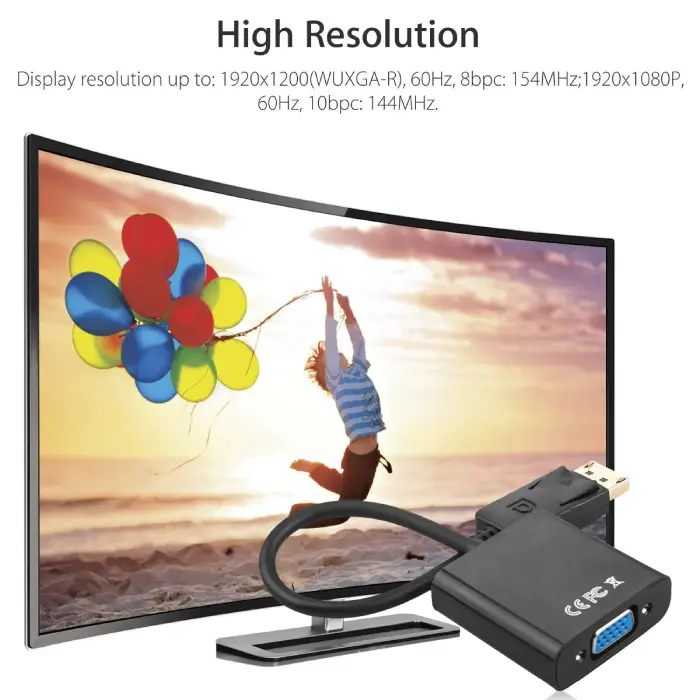
The HDMI to VGA cable for laptop supports input resolutions up to 1080P (1920×1080) and outputs the corresponding VGA signal at the same resolution. This means users can enjoy full high-definition video on their VGA monitor or projector, provided the screen supports that resolution. For older monitors limited to 720P or lower, the cable automatically adjusts to the best supported resolution. The conversion process adds no noticeable latency, so the cable works well for video playback and gaming as well as office work and presentations.
This HDMI to VGA Adapter Cable is supplied by Sellertree, a UK-based online seller of practical tech accessories.
Dual Length Options for Different Setups
The 1-metre cable suits desktop setups where the laptop sits close to the monitor. This length works well for home offices, shared desks, and temporary connections.
The 1.8-metre cable suits larger spaces where the computer sits further from the display. This length works well for classroom presentations, meeting rooms, and home theatre setups where the projector mounts on the ceiling. The longer cable also allows users to place their laptop comfortably to one side while facing the screen straight on.
Audio Output via 3.5mm Jack (HDMI to VGA cable)
VGA cables carry video signals only and do not transmit sound. This HDMI to VGA monitor cable includes a built-in 3.5mm audio jack on the converter housing. Users can connect external speakers, headphones, or a sound bar to this jack for audio output. The cable extracts the audio from the HDMI signal and sends it to the jack, so sound remains synchronized with the video. For projectors with built-in speakers that accept VGA, users typically need a separate audio cable from the laptop’s headphone jack.
✅ Active conversion chip transforms HDMI digital signal to VGA analogue
✅ Supports resolutions up to 1080P for clear, sharp display
✅ Available in 1-metre and 1.8-metre lengths for different setups
✅ Includes 3.5mm audio jack for external speakers or headphones
✅ Plug-and-play operation with no drivers or software required
✅ Compatible with Windows PC, Mac, Chromebook, and games consoles
✅ Works with monitors, projectors, and older televisions with VGA input
✅ Compact design with gold-plated connectors for reliable signal transfer
Specifications
| Feature | 1-Metre Cable | 1.8-Metre Cable |
|---|---|---|
| Cable type | HDMI to VGA active adapter | HDMI to VGA active adapter |
| HDMI connector | Male (standard type A) | Male (standard type A) |
| VGA connector | Male (15-pin D-sub) | Male (15-pin D-sub) |
| Maximum resolution | 1080P (1920×1080) | 1080P (1920×1080) |
| Audio output | 3.5mm stereo jack | 3.5mm stereo jack |
| Power source | HDMI source (micro-USB optional for some devices) | HDMI source (micro-USB optional for some devices) |
| Length | 1 metre | 1.8 metres |
| Colour | Black cable with black connectors | Black cable with black connectors |
| Connector plating | Gold-plated | Gold-plated |
| Compatible with | PC, laptop, Mac, Chromebook, PS4, PS5, Xbox, Switch | PC, laptop, Mac, Chromebook, PS4, PS5, Xbox, Switch |
How to Use
-
Connect the HDMI plug to the source device (laptop, PC, games console).
-
Connect the VGA plug to the monitor or projector VGA port.
-
Tighten the thumb screws on the VGA connector for a secure fit.
-
For audio, connect external speakers or headphones to the 3.5mm jack.
-
If the display does not show a picture, connect a micro-USB cable (not included) to the power port.
-
Select the correct VGA input on the monitor or projector.
-
Adjust the screen resolution in your device settings for best results.
-
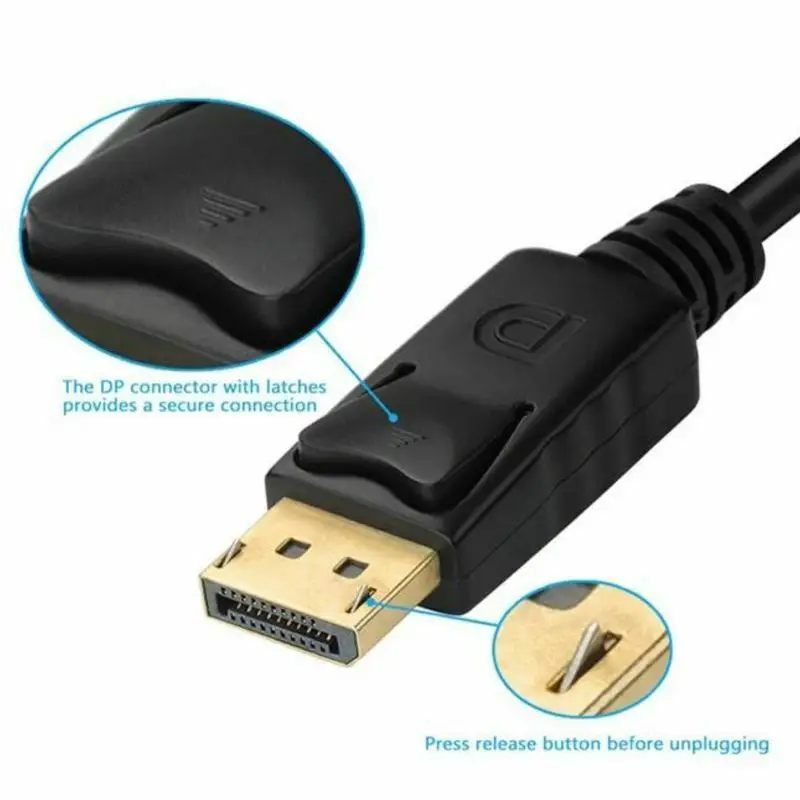
Unplug by pulling the connectors, not the cable itself.

Reviews
There are no reviews yet.