

Description
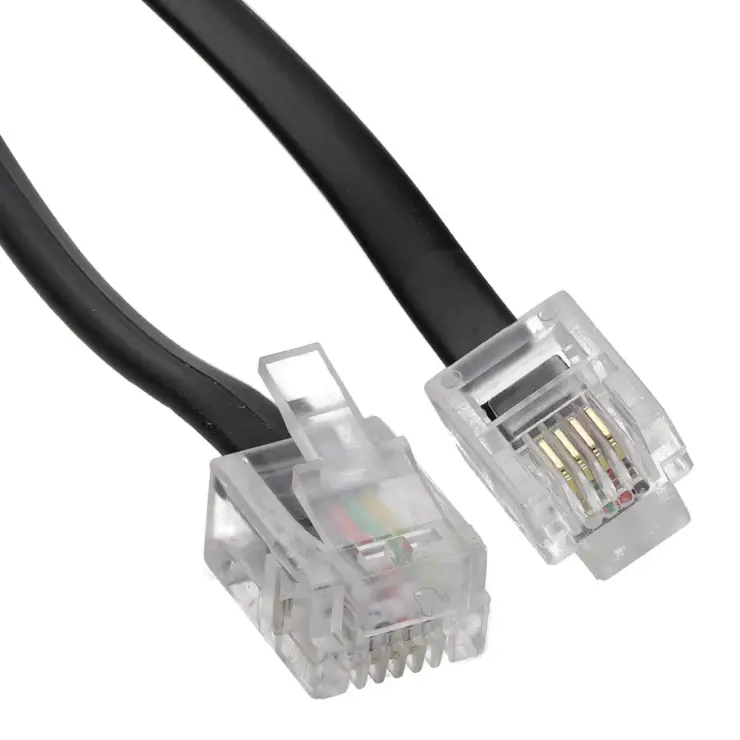
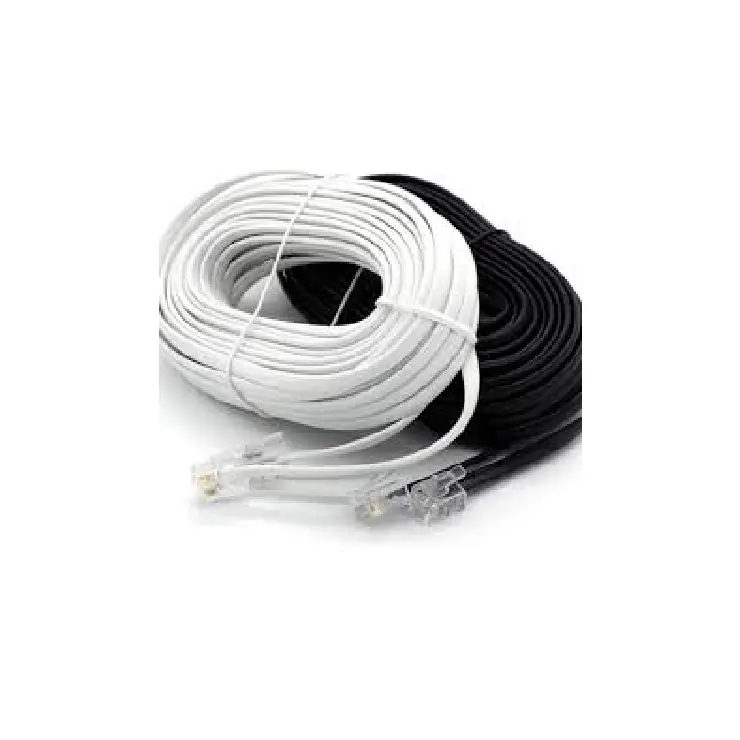
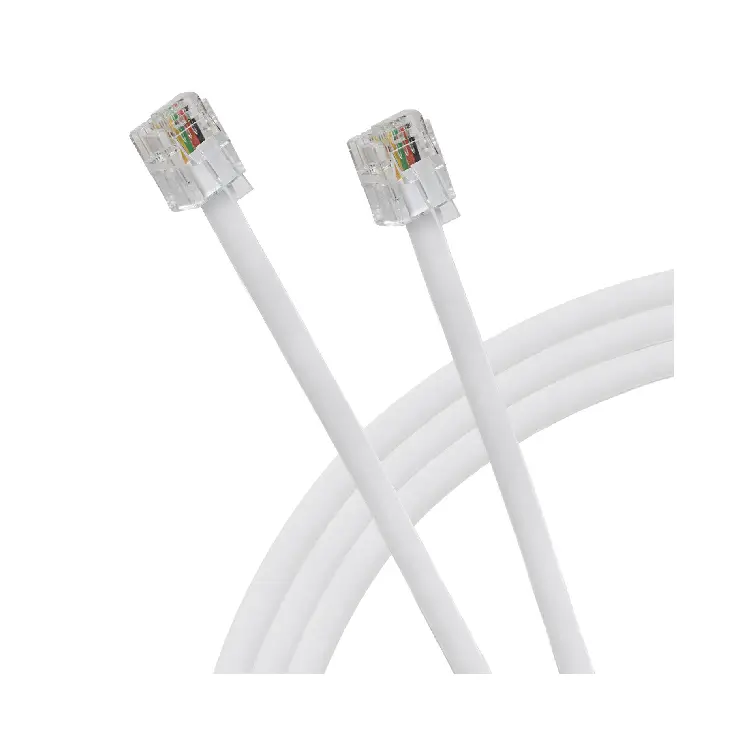
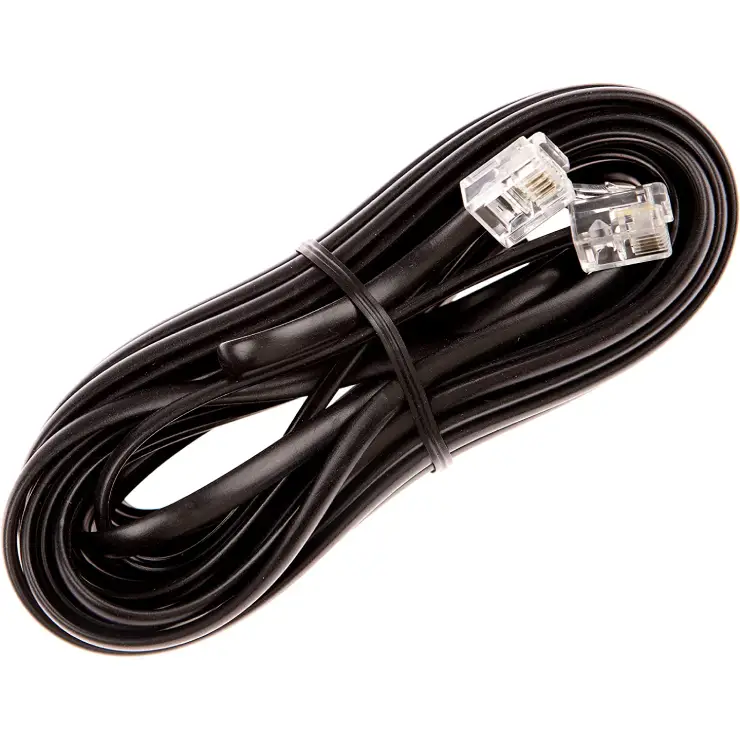
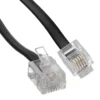
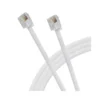
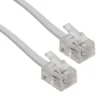
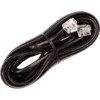
This RJ11 to RJ11 ADSL cable connects your broadband modem or router to a standard telephone wall socket. The 2-metre length gives you flexibility to position your router for the best signal, while the gold-plated connectors ensure a reliable internet connection.
Why an RJ11 ADSL Cable Is Essential for Broadband Setup
Many broadband routers come with a short telephone cable. This can force you to place your router near the master socket, even if that spot has poor Wi-Fi coverage. This rj11 to rj11 adsl cable solves that problem with a longer 2-metre reach. As a result, you can move your router to a better location for whole-home Wi-Fi. Furthermore, the high-quality copper core reduces signal loss, which helps maintain your full broadband speed.
Many UK homes have their master phone socket in a hallway or corner. Similarly, users who switch broadband providers often need a spare or longer cable for their new router. For those experiencing intermittent dropouts, replacing an old or damaged ADSL cable can instantly improve connection stability. Consequently, a simple cable upgrade can save hours of frustration with slow or unreliable internet.
Clear Signal for Stable Broadband (Rj11 to Rj11 ADSL cable)
This telephone modem cable uses 28 AWG stranded copper conductors. The stranded design resists breakage from bending, which is common when you move or reposition your router. The cable also features foil shielding that blocks electrical interference from nearby power cables or appliances. As a result, your broadband signal stays clean and stable, even in a busy home office.
Gold-Plated Connectors for Reliable Contact
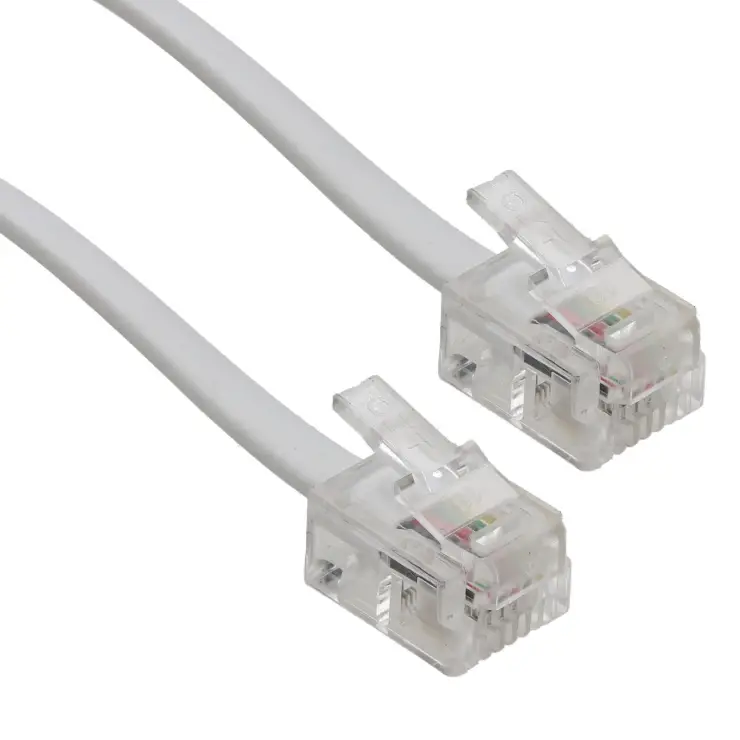
The RJ11 plugs on both ends have gold-plated contacts. Gold does not tarnish or corrode like standard metal contacts. This means the electrical connection remains strong over years of use. The plugs also have a clear, see-through housing that lets you check that the wires are properly connected. The flexible strain relief boot prevents the cable from breaking at the plug, which is the most common point of failure on cheap cables.
This RJ11 to RJ11 ADSL Cable is supplied by Sellertree, a UK-based online seller of practical tech and networking accessories.
Universal Compatibility (Rj11 to Rj11 ADSL cable)
This ADSL modem cable works with all major broadband routers and modems in the UK. It is compatible with BT, Sky, TalkTalk, Virgin Media (ADSL only), Plusnet, EE, and other providers that use a standard RJ11 telephone socket. The cable also works with fax machines, analogue modems, and some landline phones that use the same connector.
Easy Plug-and-Play Installation
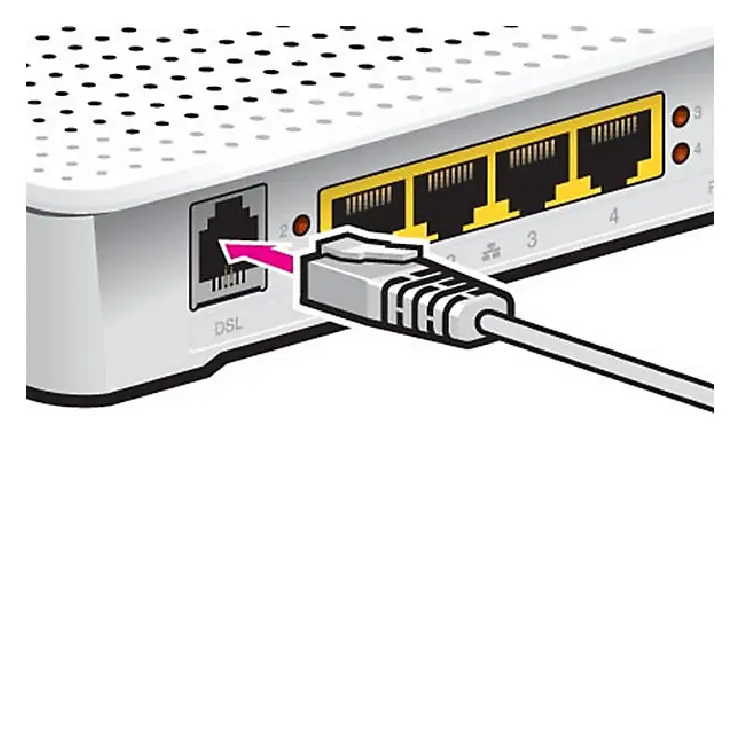
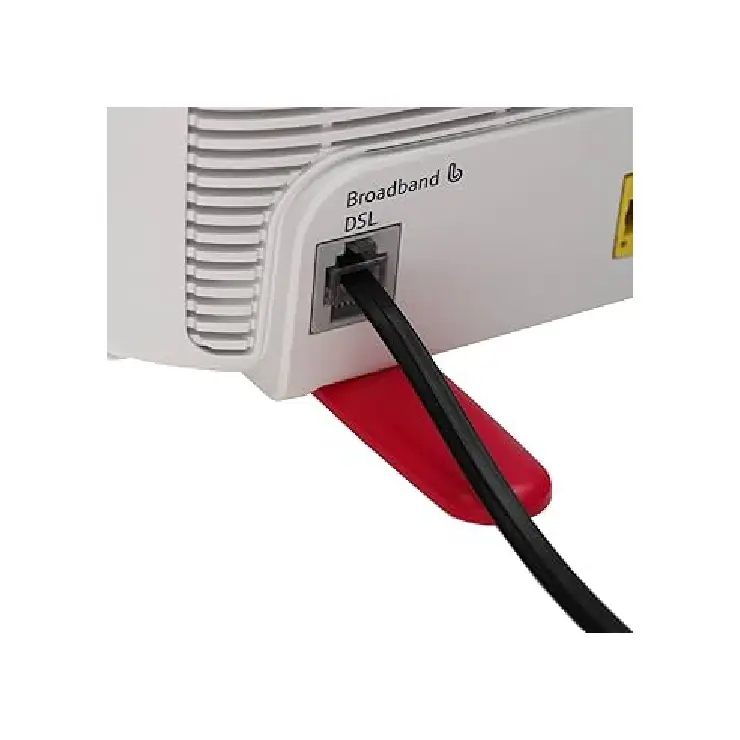
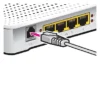
You do not need any tools or technical knowledge to install this cable. Simply plug one end into the telephone wall socket marked with a phone or broadband symbol. Plug the other end into the DSL or LINE port on your router or modem. The connection clicks securely into place. For best results, avoid running the cable alongside power cords or placing it under heavy furniture.
✅ 2-metre length for flexible router placement
✅ RJ11 male connectors on both ends – universal fit
✅ Gold-plated contacts for corrosion-free signal
✅ Stranded copper core resists breakage from bending
✅ Foil shielding blocks electrical interference
✅ Compatible with BT, Sky, Talk Talk, Plusnet, and EE broadband routers
✅ Works with ADSL, ADSL2, and ADSL2+ connections
✅ Plug-and-play – no drivers or tools needed
Specifications
| Feature | Detail |
|---|---|
| Connector type | RJ11 male to RJ11 male |
| Cable length | 2 & 5 meters |
| Conductor | 28 AWG stranded copper |
| Shielding | Foil (interference protection) |
| Contact plating | Gold |
| Colour | Black or white (varies) |
| Compatibility | ADSL modems, routers, fax machines |
| Plug housing | Clear plastic with strain relief |
How to Use
-
Locate the telephone wall socket that provides your broadband signal.
-
Plug one end of the RJ11 cable into the wall socket.
-
Plug the other end into the DSL or LINE port on your router.
-
Push both plugs in firmly until they click.
-
Avoid bending the cable sharply near the plugs.
-
Keep the cable away from power strips and large electrical devices.
-
Check that the DSL light on your router turns on.
-
For best performance, use the master socket if you have extension wiring.
Reviews
There are no reviews yet.