
Description
The Problem – Disposable Batteries Are Wasteful and Inconvenient
Standard TV remotes use disposable AA or AAA batteries. For example, a typical household replaces remote batteries every six to twelve months. Similarly, millions of remote batteries end up in landfill each year. Furthermore, batteries always seem to run out at the worst time – right in the middle of a film or during the final match of a tournament. As a result, households spend money on replacements and contribute to unnecessary waste. The Samsung Solar Cell remote solves all of these problems. Consequently, you never need to buy another disposable battery for your TV remote.
Solar Power – Charge with Light, Not Batteries
This remote features a solar panel on its back. Specifically, the panel absorbs both natural sunlight and artificial indoor lighting. Therefore, simply placing the remote with the solar panel facing up under a lamp or near a window keeps it charged. For instance, leave it on your coffee table during the day. Likewise, place it on a windowsill for a few hours. As a result, the remote maintains its battery level without any effort from you.
To illustrate, a single full charge can last up to two years. Consequently, you can go months without even thinking about charging. In fact, the remote charges continuously whenever it is exposed to light .
USB-C Charging for Faster Top-Ups (samsung solar cell remote)
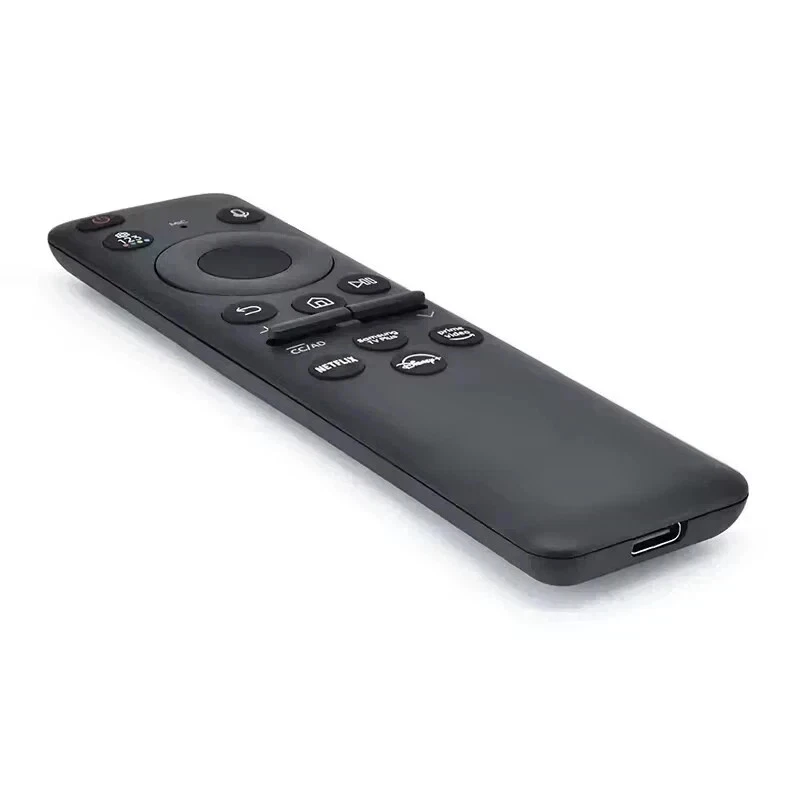
Sometimes you need a faster charge. For example, if you have just unpacked a new remote or the battery has been completely depleted. In these cases, the SolarCell remote also includes a USB-C charging port . Therefore, you can plug it in for a quick charge. For instance, the red LED indicator lights up while charging and turns off when complete. As a result, you have both eco-friendly solar charging and the convenience of wired charging when you need it most.
Eco-Friendly Construction – Recycled Materials
Samsung has designed this remote with sustainability in mind. Specifically, the plastic components are made from 24% recycled materials. Furthermore, 20% of the bracket material comes from recycled fishing nets recovered from the ocean . Consequently, each remote helps reduce ocean plastic waste. For example, producing 10 million SolarCell remotes recycles approximately 6 tonnes of waste material. As a result, choosing this remote actively supports environmental initiatives.
Full Smart Remote Functionality
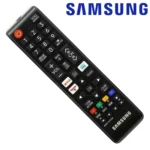
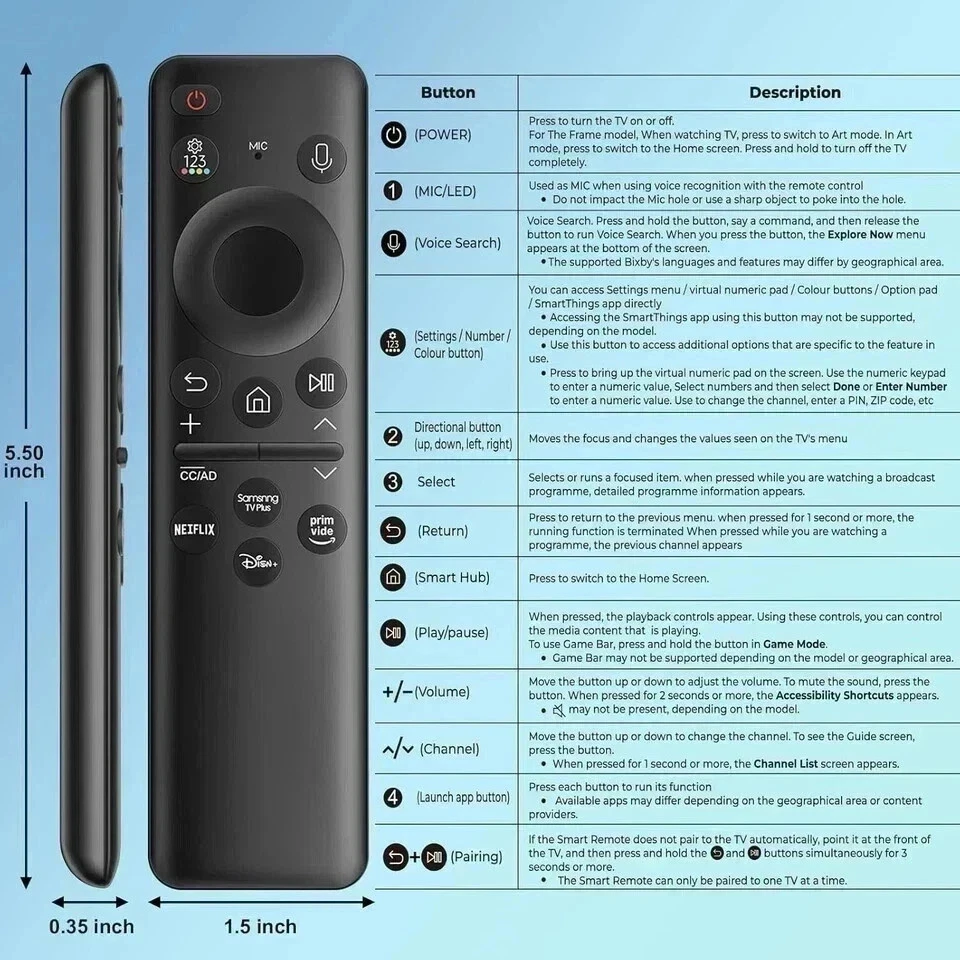
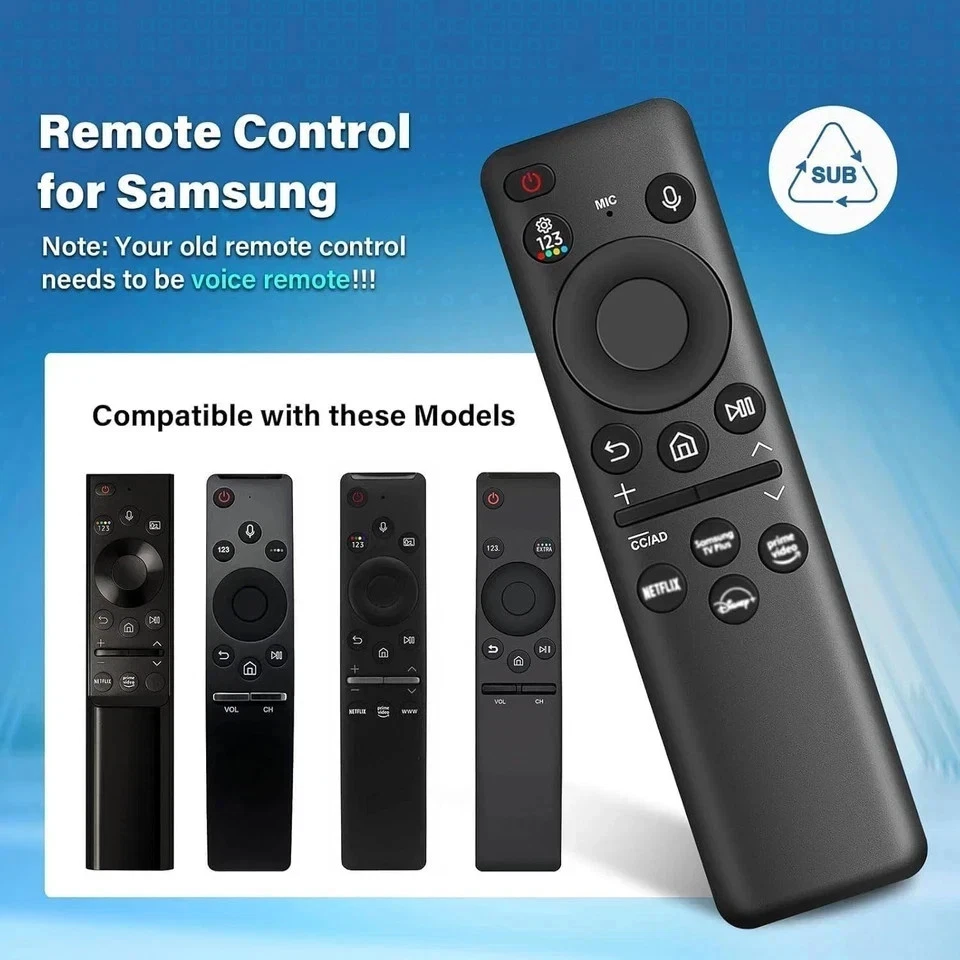
This remote is not just about solar power. It includes all the smart features you expect from a premium Samsung remote. For instance, it has a built-in microphone for voice assistants such as Bixby and Amazon Alexa. Similarly, dedicated buttons give you one-press access to Netflix, Prime Video, and Samsung TV Plus. Furthermore, the buttons are tactile and clicky rather than rubbery and mushy . As a result, it feels satisfying and responsive in everyday use.
One Remote to Control Everything
The SolarCell remote can control your TV and compatible connected devices. For example, it works with soundbars, game consoles, and set-top boxes connected to your Samsung TV. Therefore, you potentially do not need separate remotes for each device. Consequently, your coffee table stays clutter-free. Likewise, you only need to remember where one remote is kept.
Easy Pairing with Your Samsung TV
Pairing the SolarCell remote takes just a few seconds. Specifically, turn on your Samsung TV. Then point the remote at the TV. Finally, press and hold the Return and Play/Pause buttons simultaneously for three seconds or more. A message will appear on your TV confirming the connection . As a result, you are up and running in under a minute.
Checking the Battery Level
You can check the remaining battery level directly from your TV. For example, navigate to Settings, then All Settings, then General and Privacy, then Power and Energy Saving. Finally, select Available Remote Battery . Consequently, you always know when the remote might benefit from being placed in light. As a result, you never face an unexpected dead remote.
Sleek, Ergonomic Design
The SolarCell remote is compact and lightweight. Specifically, it measures approximately 140mm by 37mm by 11mm and weighs just 46 grams . Therefore, it fits comfortably in your hand for long viewing sessions. Furthermore, the slim profile makes it easy to slide between sofa cushions or store in a narrow gap. As a result, losing the remote becomes less likely.
Real Use Cases for UK Homes
Consider a busy family living room. The television is on for several hours each evening. The room lighting is sufficient to keep the SolarCell remote charged indefinitely. Accordingly, no one ever searches for spare batteries or misses part of a show due to a dead remote.
Similarly, a home with elderly residents often finds small battery compartments difficult to open. Changing batteries can be a genuine struggle. This remote removes that struggle entirely. As a result, it improves accessibility and reduces frustration.
Furthermore, an environmentally conscious household wants to reduce waste wherever possible. This remote saves approximately 99 million alkaline batteries from being used over a seven-year period across all Samsung TV owners . Consequently, it aligns with eco-friendly values without sacrificing convenience.
Compatibility – Which TVs Work with Samsung Solar cell remote Remote?
This Samsung SolarCell remote is supplied by Sellertree, a UK-based online seller of practical TV and electronics accessories.
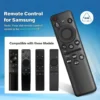
The SolarCell remote is compatible with a wide range of Samsung televisions. Specifically, it works with:
-
QLED series (2019-2025 models)
-
Neo QLED series (2021-2025 models)
-
OLED series (2022-2025 models)
-
Crystal UHD 8 series and above (2019-2025 models)
For example, if your Samsung TV was manufactured from 2019 onwards, it is highly likely to be compatible . To confirm, check your TV’s model number in the settings menu. As a result, you can purchase with confidence.
Note on Dedicated Streaming Buttons
Some users note that the dedicated streaming buttons cannot be remapped. For instance, if you do not use Netflix or Disney+, pressing those buttons will open the download page for that app . This is a small limitation. However, for most users, these buttons provide genuinely convenient one-press access to favourite services. Consequently, the benefits of solar charging far outweigh this minor annoyance.
BULLET POINTS of Solar cell remote
✅ Solar panel charging – uses sunlight or indoor light to maintain battery level
✅ No disposable batteries needed – saves money and reduces environmental waste
✅ USB-C charging port – fast wired charging option when needed (cable not included)
✅ Built-in microphone – voice control with Bixby, Amazon Alexa, and Google Assistant
✅ Dedicated streaming buttons – one-press access to Netflix, Prime Video, and Samsung TV Plus
✅ Made from recycled materials – 24% recycled plastic and 20% ocean-recovered fishing nets
✅ One remote controls all – works with TV, soundbars, and connected devices
✅ Compatible with 2019-2025 Samsung QLED, Neo QLED, OLED, and Crystal UHD TVs
SPECIFICATIONS TABLE
| Feature | Detail |
|---|---|
| Brand | Samsung |
| Model numbers | Various (TM2506, TM2180, etc.) |
| Power source | Solar panel (rear) + USB-C port |
| Battery type | Built-in rechargeable |
| Battery life | Up to 2 years on full charge |
| Charging methods | Sunlight, indoor light, USB-C |
| Microphone | Yes (for voice assistants) |
| Voice assistant support | Bixby, Amazon Alexa, Google Assistant |
| Dedicated app buttons | Netflix, Prime Video, Samsung TV Plus |
| Dimensions | 140.5 x 36.8 x 10.8 mm |
| Weight | 46 grams |
| Recycled content | 24% recycled plastic, 20% ocean plastic (bracket) |
| Compatibility | Samsung QLED, Neo QLED, OLED, Crystal UHD (2019-2025) |
HOW TO USE This samsung solar cell remote
-
Turn on your Samsung TV.
-
Point the SolarCell remote toward the TV.
-
Press and hold the Return and Play/Pause buttons simultaneously for 3-5 seconds.
-
Wait for the on-screen confirmation that the remote is connected.
-
For solar charging, place the remote with the solar panel facing up under a lamp or near a window.
-
For faster USB-C charging, plug a USB-C cable into the port on the bottom of the remote (cable not included).
-
To check battery level, go to TV Settings > General & Privacy > Power & Energy Saving > Available Remote Battery.