

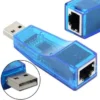
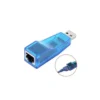
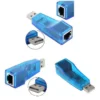
Description
Get Reliable Wired Internet with a USB to Ethernet Adapter:
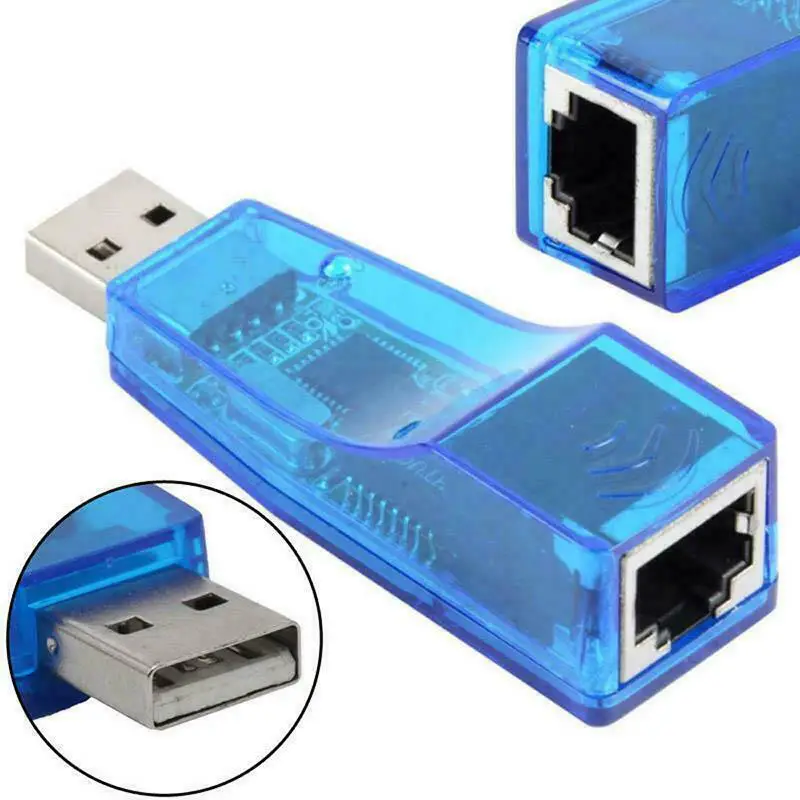
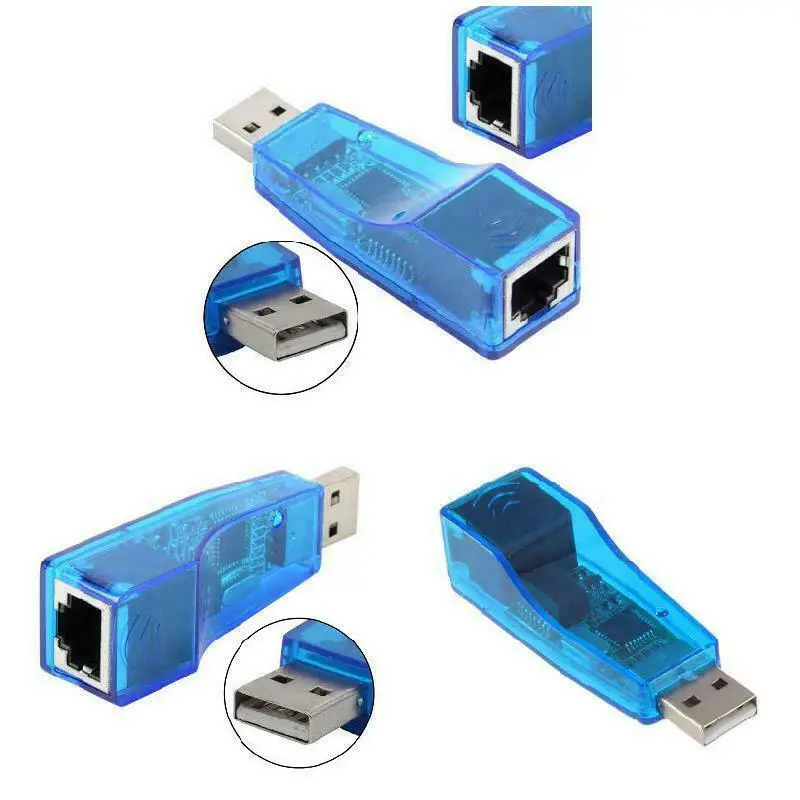
Do you have a laptop, tablet, or desktop computer that lacks an Ethernet port? You don’t worry. Many modern devices are getting more compact the classic RJ45 jack. But when Wi-Fi lets you down especially in areas with weak signals or too much interference a wired connection is still your best friend. That’s where a USB to Ethernet Adapter comes in. It’s a small, affordable, and genuinely useful tool that adds a wired network port to almost any device with a USB port.
Plug and Play – No Headaches:
The best part? It’s truly plug-and-play. You don’t need to hunt for drivers or restart your computer three times. Just insert the adapter into a free USB port, connect an Ethernet cable from your router or modem, and you’re online. Whether you’re using Windows or macOS, the adapter is recognized instantly.
What Kind of Speed with USB to Ethernet Converter Can You Expect?
This adapter supports 10/100 Mbps Ethernet. Now, let’s be honest it’s not gigabit speed. But for most real-world uses, 100 Mbps is plenty. You can smoothly stream HD video, join video calls without freezing, transfer files reliably, and even play online games with noticeably lower latency than Wi-Fi.
Why Wired Beats Wireless:
Wi-Fi is convenient, but it’s also unpredictable. Walls, microwaves, and your neighbor’s network can all cause interference.
A wired connection through this adapter gives you:
-Stable, consistent speed – no sudden drops
-Lower latency – better for gaming and remote desktop work
-More security – harder to intercept than wireless signals
Perfect for Older Devices and Crowded Networks:
If you have an older laptop that’s struggling with modern Wi-Fi, or you work in a crowded apartment building with dozens of networks overlapping, this little adapter can feel like a lifesaver. It’s also great for IT troubleshooting, setting up a router, or connecting devices in a home office where you need absolute reliability. Compact, lightweight, and drawing power directly from your USB port, it fits easily in a laptop bag. No external power supply needed.
USB to Ethernet Adapter In short:
if you want a dependable internet connection without wrestling with Wi-Fi, grab a USB to Ethernet adapter. It just works.
Key Features:
- Adds an Ethernet port through USB –This adapter turns any USB-enabled laptop, desktop, or even a supported tablet into a device with a wired network connection. No need to open up your computer or install internal hardware.
- Works with both 10Mbps and 100Mbps networks– It automatically detects your network speed and adjusts itself. Whether you’re on an older 10Mbps line or a faster 100Mbps connection, the adapter handles it without any manual tweaking.
- Truly plug-and-play on many Windows systems– If you’re running a 32-bit version of Windows (like 98SE, 2000, ME, XP, or Vista), you don’t need to install any drivers. Just plug it in and go. (Note: 64-bit systems may require a quick driver install.)
- Handles both full and half duplex modes– This is technical, but what it means for you is smoother communication between your device and the network. It follows the IEEE 802.3x standard for flow control, so data doesn’t get jammed up.
- Energy efficient– The adapter supports suspend and resume detection. That means when your computer goes to sleep, the adapter rests too. When you wake your device back up, the adapter springs back to life without missing a beat.
- Built-in memory for steady performance– Inside the adapter is 18KB of SRAM. That’s a small buffer that helps keep your data flowing smoothly, especially during busy moments like video calls or file transfers.
- Compatible with all USB 1.0, 1.1, and 2.0 ports – It doesn’t matter if your computer is ten years old or brand new. As long as it has a USB port, this adapter will likely work with it.
Compatibility:
This adapter is designed for a very specific set of older Windows systems. It works great if you’re running a 32-bit version of Windows 98SE, 2000, ME, XP, or Vista. On those systems, it’s truly plug-and-play – no drivers to hunt down, no installation headaches.
However, there are two key things to keep in mind before you buy:
First, this adapter does not work with macOS at all. If you’re using a MacBook, iMac, or any Apple computer, you’ll need a different adapter. Second, it only supports 32-bit Windows operating systems. If you’re running a 64-bit version of Windows (which is the standard for most modern PCs), this adapter won’t work. That includes Windows 7, 8, 10, and 11 in their 64-bit editions.
Second, it only supports 32-bit Windows operating systems. If you’re running a 64-bit version of Windows (which is the standard for most modern PCs), this adapter won’t work. That includes Windows 7, 8, 10, and 11 in their 64-bit editions.
If your device meets these requirements, this little adapter will give you a stable, wired internet connection without any fuss. If you’re on a modern 64-bit system or a Mac, just look for the newer version of this adapter – they’re widely available and just as easy to use.
Reviews
There are no reviews yet.